Electronic Proof of Delivery for Small Business: A Matching Guide
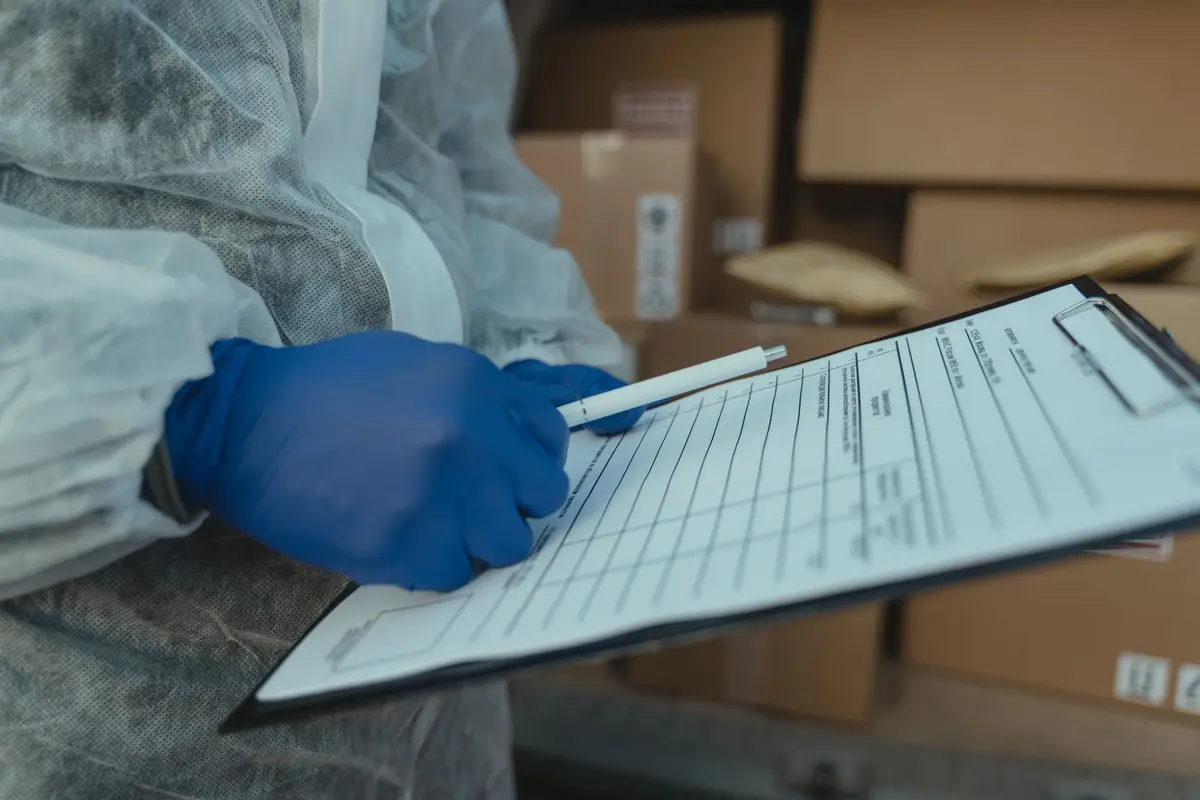
Electronic proof of delivery (ePOD) is a digital record that the driver creates at the drop: a signature or photo, a timestamp, a location, and the order reference it belongs to. For a small business, the working method has four parts. Set one proof format that every driver must complete. Print a unique order reference on every delivery note. Pull all proofs into one place and match each to an open order or invoice, using the reference first and the customer name and date second. At a fixed time each day, send the driver a reminder for any proof still missing. A person still reviews the exceptions and approves any invoice sent without proof.
In short
- A usable proof needs an order reference, a timed signature or photo, the items, the location, and an exception note.
- Matching works best in order: exact reference first, then customer and date, then a person for anything left over.
- Chase missing proofs once a day, through a fixed reminder to the driver and one summary to the owner.
- Use the WhatsApp Cloud API and approved templates for reminders, because the older On-Premises API is closed.
- Do not automate a handful of daily drops, or any process built on wrong address data.
What a driver's proof must contain
A proof of delivery is the record that shows goods reached the intended recipient. One industry guide describes it as a document that includes the recipient's name and address, the order details, a tracking or order number, and a signature that shows the drop was completed. An electronic version adds the device-based data that paper cannot carry: the photo, the time, and the location. A delivery note describes what should be delivered, while the proof confirms that it was.
For a business owner, the useful test is simple. Could someone who was not at the drop, months later, tell which order was delivered, to whom, when, where, and in what condition? If the answer depends on the driver's memory, the proof is incomplete. The fields that usually answer that question are:
- The order or invoice reference, printed on the delivery note and typed or scanned by the driver
- The recipient's name, and the drop address as the driver saw it
- The date and time of the drop, recorded by the device rather than typed
- The items and quantities handed over, or a count for multi-parcel orders
- A signature, or a photo of the parcels at the door or gate if no one could sign
- GPS coordinates of the drop point
- A short exceptions note, such as damage, a refusal, or a locked gate
The photo matters most when a drop fails. A photo of the locked gate or the parcel left at the reception desk is often the only evidence that the attempt happened. Make the rule explicit: no signature means a photo, and no photo means the stop is marked incomplete, not delivered.
There are limits to what this record proves. A GPS point shows where the phone was, not who took the parcel. A signature on a screen shows that someone signed, not that the signer was entitled to receive the goods. Treat the proof as strong evidence for routine disputes, and send unusual cases, such as high-value goods or age-restricted items, to a person for a second look.
Why missing proofs cost money
The clearest measured cost comes from a 2021 study. Loqate's "Fixing Failed Deliveries 2021" survey, conducted in December 2020 with 304 retail executives and 3,040 consumers in the US, UK and Germany, found that 8% of domestic first-time deliveries failed. It put the average cost at $17.20 per failed order, or about $197,730 a year for the retailers surveyed. That figure is five years old and covers retailers, not every business type. Use it as a starting point for your own count, not as a forecast.
Here is how to apply it to your own operation. Take one normal month and count the stops where no proof arrived back, or where the driver recorded a failed attempt. Multiply that number by your own recovery cost: a second trip, fuel, driver time, a support call, and any refund or credit. For example, a business with 40 failed drops a week would carry about 2,080 failed drops a year. At the 2021 average of $17.20, that is roughly $35,800 a year before you count customer goodwill. Your own driver costs will change that number, which is why the count belongs in your books.
Missing proof also holds up money you have already earned. A proof of delivery is what finance teams lean on when a customer disputes a shipment, and many teams hold the invoice until the proof is attached. When proofs sit in a driver's phone or a pile of paper slips, invoices go out late or go out with no evidence behind them. The cost here is slower cash, plus the staff hours spent searching for a slip after the customer calls. No public source found here puts a reliable number on that chasing time, so measure it in your own team for two weeks.
The same survey also points to the address as a common cause of failure. It reported that one-third of respondents either do not verify address data or leave that job to the courier. If your drivers often note wrong or incomplete addresses in their proofs, fix the address data at order entry before you automate anything else.
The manual way against the automated way
The table below compares a typical manual process with an automated one. The automated column still includes a person, because someone has to decide what to do with the exceptions.
| Task | Manual way | Automated way |
|---|---|---|
| Proof format | Paper slip, or a free-text message from each driver | One form or driver app screen with mandatory fields and a photo requirement |
| Collecting proofs | Drivers hand in slips at the depot, or send photos to a personal phone | Proofs arrive in one shared folder, inbox, or app export within minutes of the drop |
| Matching to invoices | Someone reads each slip and finds the invoice by hand | The order reference is matched automatically, with unmatched items sent to an exceptions list |
| Chasing missing proofs | Office staff phone or text drivers when they remember | A list of missing proofs by driver goes out at a fixed hour, by WhatsApp or email |
| Posting to accounts | Proof details retyped into the accounting system | Matched proof is attached to the invoice record, by import or API, once approved |
| Errors | Found when a customer disputes the bill | Flagged the same day, while the driver can still be asked |
| Person's role | Reading, filing, and chasing all day | Reviewing exceptions and approving invoices without proof |
The main difference is timing. A manual process finds gaps when someone has time to look. An automated one finds them the same afternoon, when the driver still remembers the drop.
How to automate it, step by step
Step 1: Write the proof rules before you pick a tool
List the mandatory fields, using the list above, and decide what happens when a field is missing. Most businesses need only three rules: a reference on every proof, a signature or photo on every completed stop, and a note for every failed stop. Write these on one page and give it to the dispatch lead. Tools come after the rules, because a tool that captures the wrong fields will still leave you chasing.
If you already use a driver app, check whether it can enforce these fields. If it cannot, a form built in Google Forms or Microsoft Forms can take a photo upload and a short reference field, though it will not timestamp as strictly as a dedicated app. Test the rules with two drivers for a week and adjust.
Step 2: Put one reference on every order and delivery note
The matching step depends on the reference. Print the invoice or order number on the delivery note, and add a barcode or QR code if your printer can produce one. Drivers scan the code, or type the number into the app. Avoid references that repeat across depots or years, because a repeated number is the most common reason a proof matches the wrong invoice.
Step 3: Gather the proofs in one place
Proofs should land in one location your team can read. There are three common routes. If your driver app can export records or send them to a webhook, connect that feed to a spreadsheet, Airtable, or a database. If the app cannot, have each driver upload photos to a shared Google Drive or Microsoft OneDrive folder, named by reference. If drivers must email photos, a dedicated mailbox can be read by a script through the Gmail API or the Microsoft Graph API, which can file each attachment against its reference.
Keep one record per order. The record should show the reference, the time the proof arrived, the proof file, and a status: matched, missing, or exception.
Step 4: Match each proof to its order or invoice
Match in this order. First, look for an exact reference match. If none exists, match on the customer name and the delivery date. Anything still unmatched goes to an exceptions list for a person to check.
Where the proof is a photo of a printed delivery note, optical character recognition (OCR) can read the printed reference from the image. Cloud services such as Google Cloud Vision and Microsoft Azure AI Document Intelligence offer this kind of text reading. Handwriting is less reliable, and a blurred photo will produce a wrong or empty reading, so flag any reading that does not match an open order.
A large language model can help when names or addresses are typed differently, for example "Jon Smyth" against "John Smith". Use it to suggest a match, and have a person confirm it. Do not let it approve a match on its own, because a confident wrong match looks exactly like a correct one.
Step 5: Post the matched proof to your accounts
Once a proof is matched, attach the file and the delivery status to the invoice record in your accounting or ERP system. Common options include Xero, QuickBooks Online, Zoho Books, Tally for businesses in India, and ERP systems such as Odoo or SAP. Use the API, a CSV import, or a manual upload, whichever your system supports. Keep the invoice itself under human control. The automation attaches evidence; it should not send or change an invoice unless someone has approved that step.
Vendors in this space stress that delivery records should reach the ERP at once, not stay in the driver app. The aim is the same here: the invoice team should see the proof status on the day of the drop, not at month end.
Step 6: Chase missing proofs at the end of the day
At a fixed hour, such as 17:30 local time, a script lists every stop with no proof, grouped by driver. The reminder goes to the driver by WhatsApp, or by email where the driver does not use WhatsApp.
For WhatsApp, use the WhatsApp Business Platform Cloud API. Meta has closed the older On-Premises API, which was sunset on October 23, 2025, so new builds should use the Cloud API. Outside a 24-hour customer service window, the business can only send approved template messages. Plan your reminder as a template, such as a utility message listing the stop reference and asking for a photo. Templates are reviewed before use. Unverified business portfolios are limited to 250 templates, and templates that receive poor feedback can be paused. Keep one template for each reminder type, and do not create new ones for each message.
The owner or dispatch lead receives one summary: how many stops are still missing, and which drivers they belong to. Do not send the summary to the drivers themselves, because it creates pressure without solving the problem.
What breaks and how to prevent it
Blurred or dark photos are the most frequent failure. Set a rule that the driver retakes any photo the system cannot read, and check the reference is visible in the frame. Duplicate references across depots cause wrong matches; add a depot code to the reference and test a sample of matches each week.
Phones lose signal at many drops, especially in basements, rural routes, and large warehouses. The driver app should store the proof on the phone and upload it later. Check, during testing, that a proof recorded with no signal still arrives and carries the original time.
OCR and matching errors will happen. Set a threshold: any proof the reader cannot match with confidence goes to the exceptions list. Review that list every morning, and record what caused each exception. Recurring causes usually point to a fix in the form, not in the software.
WhatsApp templates can be rejected, paused, or ignored. Keep the reminder short and useful. If the template stops getting replies, test a new wording rather than sending more messages. Make sure every driver has agreed to receive work messages on that number before you add them to the list.
Drivers will sometimes game the system with a photo of the same door, or a signature that is not from the recipient. The automation cannot detect this reliably. Add a random check: once a week, a person compares a sample of proofs with the customer's own confirmation.
When not to automate
Do not automate if you make only a handful of drops a day and one person already reads every proof. A shared folder, a checklist, and a daily ten-minute review will be cheaper to run and easier to fix. Automation starts paying back when the number of proofs or invoices grows past what one person can check by hand each day.
Do not automate before the address and reference data are clean. If one in ten orders has a wrong or missing address, the matching will fail in the same places, and the reminders will go to drivers who cannot fix the cause. Clean the data first.
Be careful in regulated sectors. In pharmaceutical distribution, for example, delivery records must stay accessible for regulatory audit and feed quality and inventory systems. Get the compliance design from your regulator's guidance or a qualified adviser before building a custom flow.
Finally, if you plan to use proof data to change a driver's pay, hours, or role, the employment rules in your country apply, including any notice, consultation, or severance requirements. Agree any change with the employee or check it with a lawyer first.
Automation cannot judge whether goods arrived damaged, whether a signature is genuine, or whether a customer is entitled to a credit. Those decisions stay with a person.
What it typically takes
Plan for time, not a fixed price. The first stage is writing the proof rules and the reference format, which usually needs a few hours with the dispatch lead and one or two drivers. Testing the form and the feed with real drops takes at least one working week, because the first failures only appear on real routes. WhatsApp templates depend on Meta's review, so plan for a wait you do not control, and start that step first.
Matching then needs a few days of tuning. Review every exception in that period and adjust the rules, so the exceptions list shrinks to a manageable size. After that, the ongoing work is a daily look at the exceptions list and a weekly sample check. Measure your own first-attempt rate and missing-proof count before and after the change. Those are the only numbers that show whether the work is paying back.
Sources
How AiStaffo would automate this
An AiStaffo worker would connect to the place where proofs already land, whether that is an app export, a shared folder, or a mailbox, and read each proof's order reference. It would match proofs to open orders in the accounting or ERP system, attach the matched proof to the invoice, and list anything unmatched in an exceptions queue. At the end of each day it would send approved WhatsApp template reminders to drivers with missing proofs and give the owner one summary. The owner or finance lead still reviews the exceptions, decides disputes, and approves any invoice that goes out without proof. Book a free automation audit.
Questions people ask
What is the difference between a proof of delivery and a delivery note?
Is a photo of the parcel at the door enough as proof?
Can I send driver reminders by WhatsApp automatically?
How much does a failed delivery cost a business?
Do I need to replace my driver app to automate proof matching?
What happens to proofs that do not match an order?
Book a free automation audit
Thirty minutes. We look at one process you run every week and tell you exactly what an AI worker would take off your desk, and what it would not.