AI Admissions Coordinator for School Enquiry Follow-Up

An AI admissions coordinator can log prospective-student enquiries, send approved information, schedule callback reminders, check whether application files appear complete and update admissions records. It works from your chosen inbox, enquiry spreadsheet or school ERP/CRM, using approved messages and rules set by your team. It should not decide whether a student is eligible or offer a place. In India, admission requirements can depend on the class, board and state rules, and schools have record-keeping responsibilities. Keep a staff member responsible for reviewing exceptions, checking documents and making every eligibility and final admission decision.
In short
- Automate repeatable enquiry logging, approved follow-ups, callback scheduling and record updates.
- Use a defined inbox, enquiry record and approved message library as the workflow’s boundaries.
- Keep document validation, eligibility questions and admission decisions under staff review.
- Start with the coordinator in place, test alongside them and route exceptions to a person.
What an admissions coordinator actually does all day
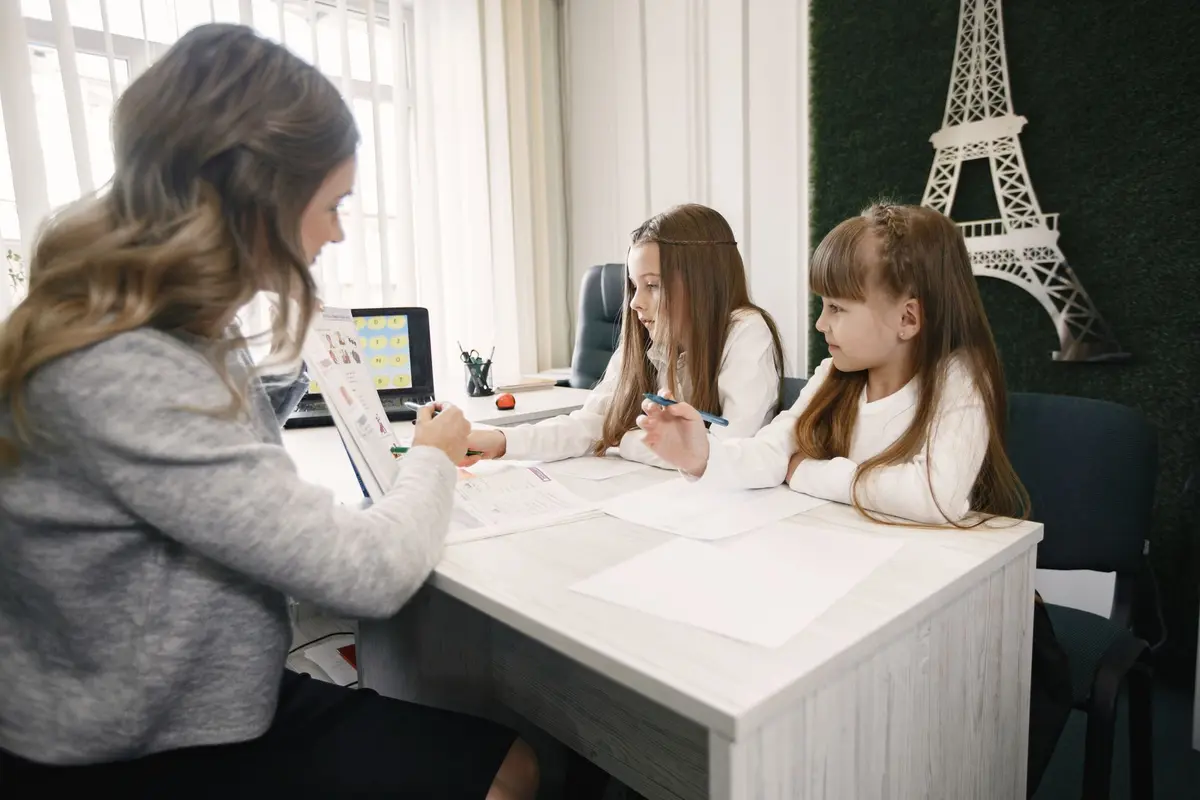
In a school, the admissions coordinator is often the person who keeps a parent’s enquiry moving from first contact to a complete application. The work is practical and repetitive, but the details matter: a missed callback or an incorrectly entered date of birth can create extra work later.
Common recurring tasks include:
- Recording enquiries from phone calls, website forms, email, walk-ins and WhatsApp.
- Capturing the parent’s contact details, student’s name, preferred class and enquiry source.
- Sending the prospectus, fee information approved by the school, application link and standard answers.
- Following up when a parent has asked to be contacted or has not completed the next step.
- Arranging campus visits, calls or meetings with the admissions team.
- Checking whether required application fields and requested documents have been provided.
- Updating the enquiry stage, callback date and notes in a spreadsheet, CRM or school ERP.
- Passing questions about eligibility, exceptions or special circumstances to the right staff member.
The coordinator does not just send messages. They keep a reliable record of what the family asked, what the school sent and what should happen next.
Which tasks an AI worker takes over, task by task, and what it needs
Automation works best when the school has agreed on standard responses, clear next steps and one record that staff treat as the source of truth. An AI worker can then take routine actions and leave unusual cases for a person.
| Recurring task | What the AI worker can do | What it needs access to |
|---|---|---|
| Log enquiries | Collect key details, identify the enquiry source and create or update a record. | A designated Gmail or Microsoft Outlook inbox, website form notifications and the school’s enquiry spreadsheet, CRM or ERP. |
| Send standard information | Reply with school-approved prospectus details, application instructions and answers to routine questions. | Approved message templates and the information parents may receive, connected to the chosen email or WhatsApp Business workflow. |
| Arrange callbacks or visits | Offer available slots, record a requested callback and send a confirmation or reminder. | Staff availability, a shared calendar such as Google Calendar or Microsoft Outlook Calendar, and the enquiry record. |
| Follow up | Send a planned reminder when a parent has agreed to follow-up or a process step is due. | Follow-up rules, contact history, approved wording and the school’s communication preferences. |
| Check application completeness | Compare the received file against a checklist and flag missing items or unclear uploads. | The school’s application checklist, secure document storage and the relevant student record. |
| Update admissions records | Change routine fields such as enquiry status, last contact date and next action; flag inconsistencies for review. | Write access limited to the relevant fields in the school ERP or CRM, or a controlled spreadsheet. |
Tools vary by school. Zoho CRM is one example of a CRM with education workflows; many Indian schools instead use an existing school ERP and a spreadsheet. WhatsApp Business can be part of the process when the school has an appropriate, approved connection and message templates. The important design choice is not the brand: it is defining which system holds the official record and limiting what the automation can change.
What stays with a person, and why
Keep people responsible for judgement, relationships and sign-off. An AI worker can flag a missing document; it should not decide that an alternative document satisfies a school, board or state requirement. It can send a standard answer about the process; it should hand over a dispute, hardship request or question that does not fit the approved guidance.
Eligibility and final admission decisions remain with authorised staff. Requirements may vary by class and circumstances. CBSE’s published material describes specific admission and record requirements, while its affiliated-school bye-laws refer schools to applicable state or Union Territory rules for relevant matters. That is a reason to route exceptions to staff, not to encode a broad, unreviewed eligibility rule in an automated workflow. CBSE also stresses accurate transfer of student details into school records, so names and dates of birth should be checked by a person before they become official records.
People should also handle conversations where a family needs explanation, reassurance or a sensitive accommodation. Give the AI worker a clear handover rule: if a parent disputes information, requests an exception, shares a sensitive situation or asks for a decision, stop the routine sequence and assign the enquiry to a named staff queue.
How this role differs by business type
| Business type | What the admissions coordinator does there that is specific | What the AI worker handles there |
|---|---|---|
| Primary and secondary schools | Answers parent enquiries, arranges campus visits and tracks applications by class or entry year. | Logs enquiries, sends approved school information, schedules callbacks and flags missing application items. |
| Colleges and universities | Routes prospective-student questions by programme, intake and application stage. | Records programme interest, shares standard application guidance and reminds applicants about incomplete files. |
| Coaching and test-preparation centres | Explains course batches, trial sessions and the enrolment steps for a particular course. | Sends approved course details, books callbacks or trial sessions and updates the enquiry stage. |
| Vocational and skills institutes | Coordinates enquiries about course format, prerequisites and practical sessions. | Captures the course of interest, sends standard schedules and flags prerequisite questions for staff. |
| Early-years and preschools | Arranges parent visits and gathers information needed for the school’s application process. | Schedules visits, sends the approved checklist and tracks whether requested forms were received. |
| Residential schools | Coordinates questions about campus visits, boarding arrangements and application documents. | Shares approved information, records questions for staff and reminds families about outstanding documents. |
These are process examples, not a claim that every institution follows the same admissions rules. Configure messages and checklists for the specific school, programme and intake.
How the switch happens
Do not remove the coordinator before the workflow has been tested. Start with the person still doing the job, then let automation take on a defined share of the routine actions while exceptions return to that person.
- Week 1: Map the work. List where enquiries arrive, what gets recorded, which messages are approved and which cases always need staff judgement. Choose the official admissions record.
- Week 2: Connect and test. Connect only the required inbox, form, spreadsheet or ERP fields and document location. Test with sample records. Check duplicate enquiries, message wording, access permissions and handovers.
- Week 3: Run alongside staff. The coordinator continues normal work while the AI worker drafts or performs only approved routine actions. Compare its records and messages with the coordinator’s work; correct errors before widening access.
- Week 4: Route exceptions and review. Turn on the agreed routine steps. Send uncertain details, eligibility questions, complaints and unusual documents to staff. Review a sample of records and the exception queue regularly.
- After the workflow is dependable: Reduce routine handling. The coordinator can move towards reviewing exceptions, checking records and handling parent conversations that need judgement. Review-only is a possible operating model, not an automatic outcome; retain enough staff capacity for peak enquiry periods and decisions.
Risks and when NOT to automate this role
Automation can send outdated information quickly, repeat a mistaken record or make a parent feel ignored if a non-standard question receives a template. Keep approved content under staff control, set a clear route to a human and test changes before they go live. Restrict access to only the records and actions the workflow needs; do not give an AI worker broad permissions across student or finance systems by default.
Student and parent records need careful handling. India’s Digital Personal Data Protection Act, 2023 addresses personal data processing and includes provisions concerning children’s personal data. The Digital Personal Data Protection Rules, 2025 also describe requirements related to verifiable parental consent. Schools should confirm their applicable obligations and implementation status with qualified advisers, rather than assuming an automated workflow alone makes processing compliant.
Do not automate a task if the rules are unsettled, staff cannot agree on an approved answer, records are unreliable, or the volume is too low to justify setup and oversight. Do not let automation make eligibility or final admission decisions. If parents need individual guidance at nearly every step, use automation to organise enquiries and prepare records, not to replace the conversation.
Sources
How AiStaffo would automate this
AiStaffo can connect the admissions inbox, enquiry spreadsheet or school ERP, approved document checklist and authorised WhatsApp Business workflow. The AI worker can log enquiries, send approved information, schedule callbacks, remind families about missing items and update routine status fields. Your admissions staff still review exceptions, verify documents and decide eligibility and admission. Book a free automation audit
Questions people ask
Can an AI admissions coordinator decide whether a student is eligible?
Can AI follow up with parents on WhatsApp?
What systems does an AI admissions coordinator need?
Will the admissions coordinator still be needed?
Is it safe to automate student application records in India?
Book a free automation audit
Thirty minutes. We look at one process you run every week and tell you exactly what an AI worker would take off your desk, and what it would not.