OpenAI Lets Users Text Their ChatGPT Dot Agent on iMessage and RCS
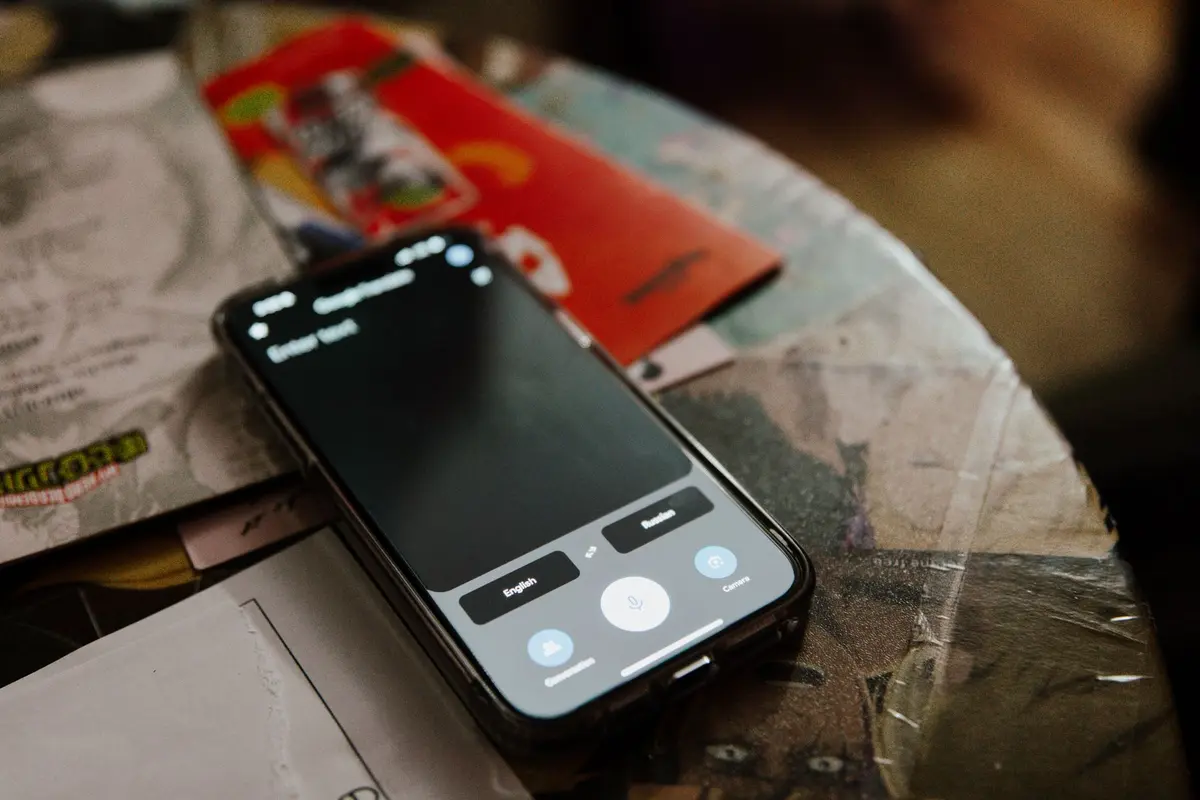
OpenAI now lets people text their ChatGPT dot agent through Apple Messages, using iMessage on an iPhone or RCS on an Android phone. The launch was announced on 28 October 2026. According to OpenAI's release notes, the feature is in beta for Pro users in the United States. Owners can send a task as text, a photo or a voice note, and the dot can reply with proactive updates in the same thread. Texting shares the same memory and plugins as the ChatGPT app. OpenAI says only the owner can text the dot, and the dot can only text the owner. For business owners, the change means routine requests can be handed off from a phone, but the feature is limited in scope and still in preview.
In short
- OpenAI says ChatGPT dot agents can now be texted through iMessage or RCS, rolling out in beta to US Pro users.
- Owners can send text, photos and voice notes, and the dot can send updates back in the same thread.
- Texting shares memory and plugins with the ChatGPT app, so context carries across.
- OpenAI says the dot cannot read the owner's other text conversations, and only the owner can text it.
- Most businesses cannot use the feature yet, and agents can make mistakes, so review remains necessary.
What happened
On 28 October 2026, OpenAI said that owners of a ChatGPT dot agent can now message it through Apple Messages. The channel works over iMessage on iPhone and RCS on Android. According to OpenAI's release notes, texting is rolling out in beta to Pro users in the United States. Engadget reported that the company began a preview among US Pro users, and Fox News reported the same announcement that day. The dot accepts text, photos and voice notes, and it can message its owner first with updates about tasks it has been given.
Setup takes a few steps. The owner opens the dot's profile inside ChatGPT, selects Texting, and checks that iMessage or RCS is enabled on the phone. OpenAI's release notes say the messaging runs through Linq, a third-party messaging provider that sends and receives texts for the dot.
Why it matters for businesses that automate work
Dots were introduced on 29 September 2026 as always-on agents that keep working between conversations, according to TechCrunch. At that launch, OpenAI said users could already message their dots through Slack and Microsoft Teams, with text message support coming later. The texting feature now closes that gap for people who want to reach their agent from a phone.
For an operations head, the practical point is the intake channel. A manager can send a request from a phone between meetings, such as asking for a follow-up list, a reminder to chase an unpaid invoice, or a watch on a supplier's delivery dates. The reply comes back in the same thread. The request does not need a laptop, a login to a separate tool, or a message to a colleague who then re-keys it.
What changes in practice
Three things change for a business that automates routine work.
- The memory is shared. OpenAI says the dot keeps the same memory and plugins whether the owner uses the app or texts, so context from earlier work carries over.
- The text threads are limited to the owner. OpenAI states that the dot and OpenAI cannot read the owner's other text conversations.
- The access comes from connected accounts. Engadget's comparison of Dots and Meta Muse notes that linking more accounts makes an agent more capable, but it can also mean access to email, calendar and files.
This matters most for a company where one person's dot would touch shared finance, HR or customer records. A personal agent is set up by one person. It is not a shared team inbox, and a business that wants several people working from one queue will need a different setup.
Limits to plan around
The feature is in beta and limited to US Pro users, so most businesses cannot use it yet. Engadget's comparison also notes that both OpenAI and Meta caution that their agents can make mistakes. OpenAI describes permissions, custom rules and an auto-review function to control what a dot may do. A text message is quick to send, so the owner still needs to read what the agent proposes before it acts on money, customers or staff pay.
What to watch next
- Whether texting reaches users outside the US Pro preview. The release notes describe the current rollout only.
- Whether the feature works on Apple Watch. 9to5Mac wrote that this is possible in theory but has not been tested.
- Whether Business and Enterprise accounts get texting, and how admins control it. Current sources do not say.
- Any independent security review of the Linq partnership. OpenAI reports penetration testing with third-party security firms, but no outside report is cited yet.
Sources
How AiStaffo would automate this
AiStaffo would start by listing the routine requests a business repeats each week, such as invoice follow-ups, payment reminders and status reports, and mapping which accounts each one needs. The connected tools would feed a fixed set of checks that run on a schedule, with updates sent to the owner in one thread. The owner still approves any message to a customer, any payment step and any change to staff pay or records. The free audit measures how much of the week these requests take and which ones are safe to hand to an agent first. Book a free automation audit.
Questions people ask
Can I text my ChatGPT dot agent from any country?
Does the dot read all my text messages?
Do I need an iPhone to use it?
Can a team share one dot?
Is it worth using for business tasks now?
Book a free automation audit
Thirty minutes. We look at one process you run every week and tell you exactly what an AI worker would take off your desk, and what it would not.