AI Billing Executive for Invoice Preparation and Follow-Up

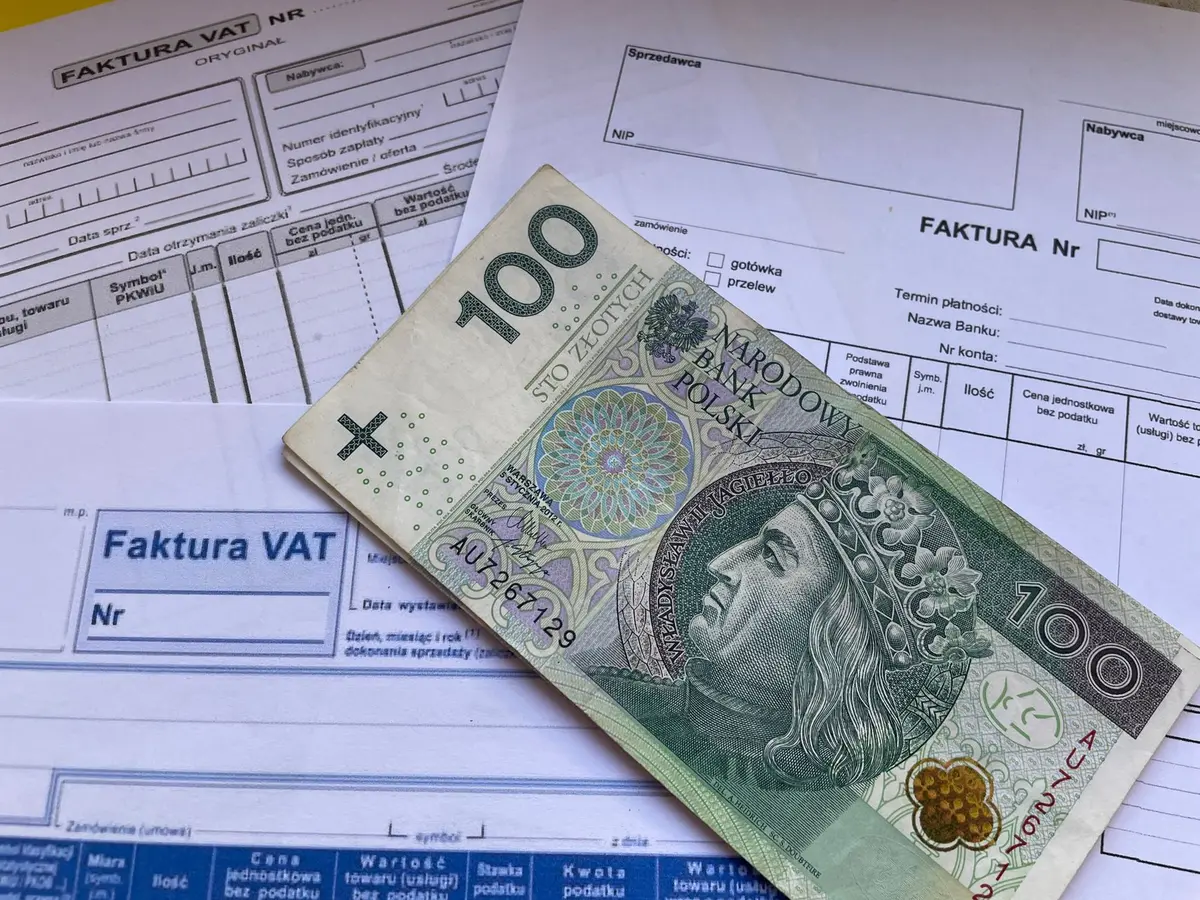
An AI billing executive can take on repeatable billing work: collect approved order or service details, prepare draft invoices, check required fields, send approved bills through your chosen channel, and track delivery and follow-ups. It needs access to reliable records in tools such as TallyPrime, an ERP, a CRM, spreadsheets, shared inboxes or WhatsApp, plus clear rules for exceptions. Keep a person responsible for tax treatment, invoice approval, disputed charges, credit decisions and sensitive customer relationships. The practical aim is not to hand over financial judgement; it is to reduce repetitive preparation and chasing while making exceptions visible.
In short
- An AI billing worker can prepare draft invoices from approved orders, delivery records or service data.
- It can check required fields, send approved bills through agreed channels and record delivery and follow-up status.
- A person should retain tax judgement, invoice approval, credit decisions and dispute resolution.
- Clean customer and item records, clear approval rules and a reliable exception route are prerequisites.
- Start with drafts and human review; expand only after the workflow handles exceptions as intended.
What a billing executive actually does all day
The exact mix depends on whether you bill for goods, projects, subscriptions or completed services. In many Indian businesses, the work follows a familiar chain: confirm that a sale or service is ready to bill, create the invoice, send it, and keep track until payment or a query comes back.
Recurring tasks commonly include:
- Collect approved sales orders, delivery notes, work completion records, timesheets or service reports.
- Match the customer, item or service, quantity, rate, discount and payment terms against the approved record.
- Check billing details such as the customer name, billing address, GSTIN where applicable, HSN or SAC information, place of supply and purchase-order reference.
- Prepare a draft or sales voucher in the accounting or ERP system, then check totals and tax fields.
- Get approval where company policy requires it, and issue the invoice through the customer’s agreed channel.
- Confirm whether the bill was sent or delivered; resend it or correct contact details when needed.
- Track due dates and follow up on unpaid invoices by email, phone or WhatsApp, recording the response.
- Route short payments, missing purchase-order references, disputed quantities and requests for credit notes to the right person.
- Maintain invoice records and prepare outstanding-invoice or billing-status reports.
These tasks rely on information held in different places. The billing executive often acts as the hand-off between sales, dispatch or service delivery, accounts and the customer.
Which tasks an AI worker takes over, and what it needs
An AI worker is most useful when the trigger and source of truth are clear. For instance, it can prepare a draft from an order marked approved, but should not treat an unconfirmed quote as permission to bill. It can check fields against a checklist, but it should not decide a disputed tax treatment on its own.
| Recurring task | What the AI worker can do | What it needs |
|---|---|---|
| Collect billable records | Find approved orders or completed service records and assemble the details for billing. | Access to the ERP or CRM, approved-order spreadsheet, service records, delivery notes, timesheets or a designated inbox for documents. |
| Check invoice inputs | Compare customer, item, quantity, rate, discount, payment terms and purchase-order reference with the approved record. Flag missing or conflicting fields. | Customer and item masters, pricing rules, order records and written instructions for which record takes priority. |
| Prepare draft invoices | Enter the agreed details into a draft invoice or sales voucher for review. | Accounting or ERP access, such as TallyPrime, with controlled permissions and configured customer, item, GST and ledger information. |
| Check mandatory details | Run a checklist for required fields and flag omissions rather than guessing missing values. | Business-approved invoice templates and field rules. Under CGST Rules, Rule 46 sets out particulars for tax invoices; an accountant should confirm how the rule applies to the specific transaction. |
| Send the approved bill | Send the final invoice through the agreed email inbox or another authorised channel, and record the action. | Approved invoice, verified recipient address, channel instructions and permission to send. TallyPrime can support invoice and e-invoice workflows when configured. |
| Track delivery and follow-up | Record sent status, delivery responses and due dates; send approved reminder messages and log replies. | Email or shared inbox, invoice register or ERP status, due-date rules, approved message templates and, if used, a business WhatsApp account. |
| Route corrections and disputes | Recognise common exception signals, capture the message and supporting record, and send the case to a named reviewer. | Exception categories, escalation contacts and access to the relevant customer and billing history. |
For GST invoicing, TallyPrime documentation describes configuration of company and party details, GST rates, HSN or SAC information and tax ledgers. Those records must be maintained accurately before automation can reliably prepare drafts. When e-invoicing applies, a draft-preparation workflow must also respect the business’s approved process for generating the IRN and QR code through the Invoice Registration Portal. The AI worker should not bypass that process or improvise missing tax data.
Sending through WhatsApp needs particular care: use only the business’s authorised account and approved customer-contact process. If billing instructions arrive as scans or attachments, the worker can extract details for comparison, but unreadable or conflicting documents should go to a person rather than being treated as confirmed facts.
What stays with a person, and why
A person should remain accountable for approving invoices and resolving cases where the source records disagree. The business decides whether work is complete, whether a discount was authorised, whether a customer’s purchase-order condition has been met and whether a credit note is appropriate. Those are commercial decisions, not just data-entry checks.
Tax configuration and the correct application of GST also need accountable review. Rule 46 of the Central Goods and Services Tax Rules, 2017, lists tax-invoice particulars, but a checklist cannot decide every transaction-specific issue. A finance professional or tax adviser should settle questions about classification, place of supply, exemptions, corrections and how the e-invoice process applies.
Keep customer conversations with a person when a bill is challenged, a payment commitment is negotiated, a relationship is strained or the customer asks for an exception. The AI worker can prepare the account history and flag the issue; a staff member should decide what to say and what the business is willing to accept. Final approval, credit decisions and access changes should also remain under human control.
How the role differs by business type
| Business type | What the billing executive does there that is specific | What the AI worker handles there |
|---|---|---|
| Wholesale and distribution | Checks sales orders against dispatch quantities, delivery documents, customer price lists and purchase orders. | Builds draft invoices from approved orders and dispatch records; flags quantity or price mismatches. |
| Manufacturing | Coordinates billing against shipment, product codes, delivery terms and any approved customer-specific documentation. | Collects order and dispatch details, checks invoice fields and routes incomplete shipment records. |
| Professional services | Confirms project milestones, approved expenses, agreed rates or timesheets before billing the client. | Assembles approved time and milestone records, prepares a draft and identifies missing approvals. |
| IT and managed services | Checks recurring service periods, support plans, usage records or change orders against the contract. | Prepares recurring drafts from approved billing schedules and flags changed or incomplete service data. |
| Logistics and transport | Matches trips, consignments, delivery proof, agreed rates and any customer reference requirements. | Collects completed job records and delivery documents; highlights missing proof or rate differences. |
| Healthcare and diagnostics | Checks service records, customer or payer details and supporting documentation against the organisation’s billing rules. | Assembles approved service data and flags missing documents or mismatched identifiers for review. |
The table describes possible task patterns, not a guarantee that every business in a sector follows the same process. Your contracts, customer requirements and finance controls determine what can safely run without review.
How the switch happens
Keep the billing executive in place while the workflow is tested. Begin with one invoice type and one well-defined source of approved records. Map who approves the work, where customer details live, which channel is permitted and which errors must stop the invoice.
- Week 1: Document the current process and collect examples of approved invoices, corrections, disputes and missing information. Agree the draft checklist and exception owners.
- Week 2: Connect the selected records and inboxes in a controlled test. The AI worker prepares drafts and reports missing or inconsistent details. The employee compares every draft with the source records.
- Week 3: Continue review before sending. Add only the cases that pass checks, and refine the rules when the worker flags genuine exceptions or misses a known one.
- Week 4: Allow sending only for the agreed low-risk invoice type after a person approves the draft. Keep disputes, corrections, unusual tax cases and changed customer instructions routed to the employee.
- After the initial rollout: Expand by invoice type only when the review process shows that records, checks and escalations work reliably. The employee can move toward exception review and quality checks; do not remove oversight simply because routine invoices are running automatically.
These are rollout stages, not a promise that every business will complete them in four weeks. Poor source data, multiple systems or complex approval chains can make the setup take longer.
Risks and when not to automate this role
Do not automate invoice sending if the business cannot identify which order, service record or approval authorises a bill. Incomplete customer masters, inconsistent item codes, unclear GST configuration and undocumented discounts will turn a fast process into a fast source of errors. Fix the underlying records and decision rules first.
Start with drafts and checks when a business has frequent price overrides, project changes, complex milestone acceptance or customer-specific invoice portals. Do not give the worker unrestricted ability to alter accounting masters, issue credit notes, change bank details or approve its own work. Use limited access, approval steps and a record of the source documents and actions.
Automation is also a poor fit when invoices are rare and highly bespoke, or when nearly every bill requires negotiation and specialist judgement. In those cases, a worker may help gather records and prepare a checklist, but a person should continue to prepare or approve each invoice. Test error handling, access controls and exception routing before extending the workflow to more customers or invoice types.
How AiStaffo would automate this
AiStaffo can connect the approved order or service records, billing inbox, spreadsheet, CRM and accounting system used in your process. The AI worker can prepare invoice drafts, check required fields, send approved bills through the agreed channel, track delivery and route corrections or disputes to a person. Your staff retain sign-off, tax decisions and sensitive customer conversations, with oversight kept in place as the workflow is tested. Book a free automation audit
Questions people ask
Can an AI billing executive create GST invoices in India?
Can AI send invoices and follow up on WhatsApp?
What systems does an AI billing worker need access to?
Should a person approve invoices prepared by AI?
When is AI billing automation not a good fit?
Book a free automation audit
Thirty minutes. We look at one process you run every week and tell you exactly what an AI worker would take off your desk, and what it would not.