How to Get a QR Ph Code for Your Shop Counter in the Philippines
You get a QR Ph code from a participating bank, e-money issuer or payment service provider. You do not get it from the Bangko Sentral ng Pilipinas (BSP). The BSP wrote the national standard under Circular 1055, dated 17 October 2019, and the institutions that follow it issue the codes to businesses. To apply, you usually need your business registration, a valid ID for the owner or signatory, a mobile number that receives SMS, and a payout account. Choose a provider, complete verification, enable QR Ph in its dashboard, then print a code for the counter. Test it with a small payment from two different customer apps before you rely on it.
Work it out: QR Code Generator. Free, no sign-up.
In short
- The BSP sets the QR Ph standard under Circular 1055 (2019), but a bank, e-money issuer or payment provider issues your code.
- Prepare your registration papers, a valid ID, a mobile number and a payout account before you apply.
- Test a small payment from two different customer apps before you print the counter display.
- Use a QR Ph merchant code, not a personal e-wallet code, so customers from any participating app can pay.
- Match each day's dashboard total against your sales log, and have your accountant confirm how to record receipts.
Who sets the rule and who issues the code
The rule comes from the Bangko Sentral ng Pilipinas. QR Ph is the national QR code standard adopted under BSP Circular No. 1055, dated 17 October 2019. The BSP's own public FAQ describes it as the system that lets a common QR code be read by any participating bank or e-money issuer app for transfers and payments. The circular sets the standard. It does not put a code on your counter.
Your code comes from one of the institutions that take part in the system. Those are usually a bank, a non-bank e-money issuer, or a payment service provider that works with banks behind the scenes. The table below shows who does what, so you know who to call.
| Party | What it does | Examples named in published sources |
|---|---|---|
| Bangko Sentral ng Pilipinas (BSP) | Sets the rules through circulars. Circular 1055 (2019) created the QR Ph standard. Circular 1198 (2024) set licensing and risk rules for operators that handle merchant payments. | Not a code issuer |
| Philippine Payments Management, Inc. (PPMI) | Endorses and manages the QR Ph implementation under the BSP circular. | Not a code issuer |
| Banks and e-money issuers | Issue QR Ph codes to their business account holders or e-wallet merchants. | BDO, BPI, Metrobank, UnionBank, GCash, Maya |
| Payment service providers | Issue QR Ph alongside cards and online payments, under one account and dashboard. | PayMongo, HitPay |
The names in the table are examples taken from published guides. They are not a recommendation. Each provider sets its own onboarding steps, settlement timing and fees, and those change, so check the current terms on each provider's own website. Where a provider's fee applies, see the vendor's current pricing. This guide does not quote fees.
The codes also have a current design rule. The BSP's 2024 digital payments report says users pay a merchant with the existing QR Ph code, which carries the red, blue and yellow logo. Person-to-person transfers use a separate InstaPay QR code with the InstaPay logo. Reports from 2026 say QR Ph now refers exclusively to merchant payments. If a customer is sending you money personally, that is a different code.
How to get the code, step by step
The sequence below works for most providers. The exact screens differ, but the order of tasks is similar.
- Gather your registration papers. A sole proprietor usually presents a DTI business name registration. A corporation or partnership usually presents SEC registration. You also need a valid government ID for the owner or authorised signatory, a mobile number that can receive SMS, and the account where payouts will land. Some providers ask for a mayor's or barangay business permit, most often banks. Ask each provider for its own document list before you start.
- Choose the provider type that fits your sales. A bank suits a shop that already banks there and sells mainly in person. A payment service provider suits a shop that also takes online orders, because one dashboard covers cards, e-wallets and online banking. Bank onboarding is often slower and more document-heavy.
- Complete verification. The provider checks your identity and business details. Expect follow-up questions. Keep the answers consistent with your registration papers, because mismatched names are a common cause of delay.
- Enable QR Ph in the dashboard. Most providers have a payment channel setting. Turn on QR Ph and choose how the code will be used.
- Generate the code. A static code is printed once and displayed on a standee. A dynamic code is created for a specific amount, which is more controlled for each sale. Most shops start with a static code and add dynamic codes for higher-value or online sales.
- Test before you display it. Make a small test payment, such as ₱1.00, from a bank app and then from an e-wallet app. Confirm that the amount and the transaction appear in your dashboard before the code goes on the counter.
Worked example: a grocery counter with one static code
Take an illustrative sari-sari store in Cebu City, run by a sole proprietor with a DTI registration. The owner already has a savings account at a local bank and wants customers to pay for groceries without cash. The owner picks a payment service provider because the shop also plans to take phone orders with a payment link later.
The owner collects the DTI papers, a valid ID, a mobile number and the bank account details. The provider verifies the account over several days, then the owner enables QR Ph and downloads a static code for a standee at the counter. The owner runs two test payments: ₱1.00 from one e-wallet app and ₱1.00 from a bank app. Both show in the dashboard. Only after that is the standee placed at the counter.
Next, a customer buys groceries worth ₱250. The customer opens a QR Ph-enabled app, scans the standee, types ₱250 on the payment screen, and confirms. The owner's dashboard logs the payment and sends an instant notification. Money reaches the bank account on the settlement timetable in the provider's terms. Some providers settle the next banking day (T+1). The owner matches the day's dashboard total against the handwritten or app sales log before closing, because a missed or failed payment must be caught on the same day.
Counter display and what the customer's app shows
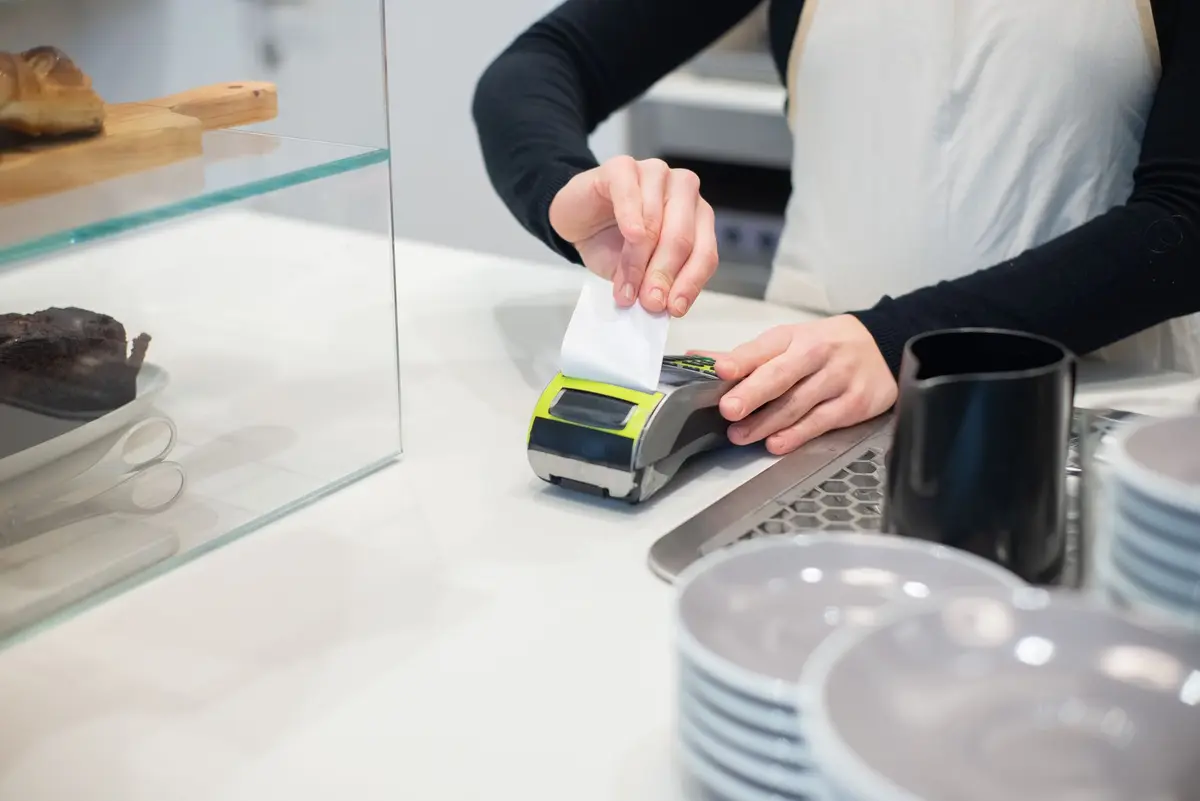
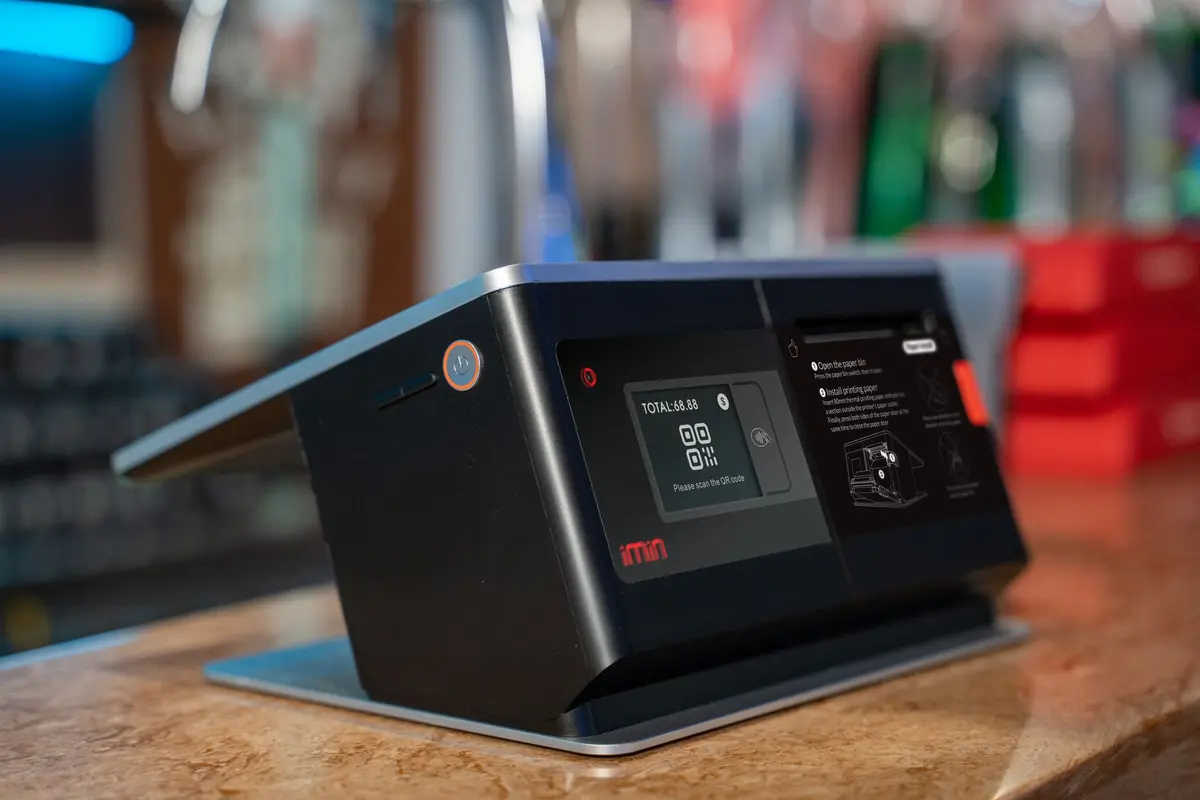
The customer does not download a new app. Any participating bank or e-wallet app that supports QR Ph can read the code. The customer scans the code with the camera inside that app, enters or confirms the amount, and approves the payment. The merchant does not need a card terminal or a dedicated scanner to accept it, and a printed code is enough for many shops.
The exact screen varies by app. Some apps show the amount before confirmation, and some show the merchant's registered name. Do not assume what your customers will see. Test with at least two apps your customers commonly use, and ask a staff member to watch the screen during the test. If the name shown is not the name on your sign, ask the provider to correct the registered business name before you print more standees.
For the counter itself, keep the code flat, clean and at eye level. Place it where the cashier can see the payment confirmation. Keep a second copy at the back in case the standee is damaged. Do not stick a personal e-wallet QR code next to it, because customers using a personal code send money to a personal account, which is harder to match to your sales log.
Cases that change the answer
- Sole proprietor or company. The registration document and the name on the account must match your legal form. A sole proprietor and a corporation follow different registration routes.
- No bank account. Maya's own business explainer says merchants can receive QR Ph payments through a Maya account even without a bank account. This is common for casual sellers, but the payout and tax records still need to be kept in your name.
- In-store only or online too. If you expect online orders, a payment service provider usually covers both. A bank may handle in-store QR well but offer limited online tools.
- Static or dynamic code. A static code is easy to print but does not fix the amount. A dynamic code is created per sale and is more controlled. Use dynamic codes for any sale where the amount must match an invoice.
- Proposed merchant database. A draft BSP circular, reported in 2026, proposes a National QR Code Merchant Database to support merchant identification and fraud prevention. This is a proposal, not yet a rule in force. Check the BSP's issuances before you assume it applies to your shop.
Common mistakes
The most common mistake is looking for the code at the BSP. The BSP wrote the standard, but the code comes from your provider. Ask your bank or provider first.
The second mistake is printing a personal e-wallet QR and calling it QR Ph. A GCash QR is a proprietary code that only GCash users can scan in the same way, while a QR Ph code can be scanned by any participating app. Customers who use other banks will not be able to pay a personal code in the same way.
The third mistake is running personal and business money through the same account. Mixed accounts make reconciliation harder and can complicate tax records. Open a business account for payouts if the provider allows it.
The fourth mistake is skipping the test payment. A printed code that has never been scanned from a second app is a guess. Test before you display it, and test again after any change to the provider's settings.
The fifth mistake is leaving reconciliation to memory. Each transaction appears in the dashboard, so compare it with your sales log at the end of each day. Missed payments are easier to fix on the same day.
What to check with your provider, bank or accountant
Ask your provider which documents it requires for your legal form, how long verification takes, when settlement arrives, and what transaction limits apply to your account. Ask whether your sales can be exported in a format your accountant can use. Ask whether the registered business name on the QR display can be corrected.
Ask your accountant how to record QR Ph receipts, including how to handle the provider's fees and any VAT position for your business. Tax treatment depends on your registration and sales, so the answer must come from your accountant or the Bureau of Internal Revenue's own guidance.
This explains the setup in general terms; it is not legal or tax advice for your case.
What automation can and cannot do here
Automation cannot open your account, sign documents for you, or replace the provider's identity checks. It also cannot decide which provider suits your sales. Those steps need you and the provider. Automation can help after the setup. A routine process can pull each day's payment records from the provider's dashboard, match them against your sales log, flag any difference for a person to review, and prepare a daily summary. The same approach works for other routine back-office work that businesses often ask about, such as payroll data entry and follow-up on unpaid invoices. A person still checks flagged items and approves any refund or correction.
Sources
How AiStaffo would automate this
AiStaffo would connect to the payment dashboard your provider gives you, export the day's QR Ph transactions, and compare them with your sales log. The AI worker flags any payment that appears in one record but not the other and prepares a short daily summary for the owner. Nothing is changed in the provider's account, and no refund is issued automatically. The owner or a staff member still reviews the flagged items, confirms the entries in the accounting records, and decides on any correction. The business chooses its own provider, and the free audit measures what the current records look like before anything is set up. Book a free automation audit.
Questions people ask
Can I get a QR Ph code directly from the Bangko Sentral ng Pilipinas?
Which documents do I usually need to get a QR Ph code?
Does my customer need to download a special QR Ph app?
Is a GCash or Maya personal QR code the same as QR Ph?
Can I use QR Ph if I do not have a bank account?
Book a free automation audit
Thirty minutes. We look at one process you run every week and tell you exactly what an AI worker would take off your desk, and what it would not.