Automating Donor Receipts: IRS Rules and a Monthly Routine

For a US nonprofit, the rule turns on each single gift. A cash gift under $250 can be supported by a bank record, a canceled check, a card statement, or a written note from the charity showing its name, the date and the amount. A single cash gift of $250 or more needs a contemporaneous written acknowledgment (CWA) from the charity, which the donor must have before filing a return. Automation works best in four steps: capture every gift in one record, generate the receipt from a fixed template, send any gift that needs a human check to a review queue, and build the year-end summary from the same record. Only the routine parts run automatically. A person still checks the gifts that carry the legal weight.
In short
- A single cash gift under $250 can be supported by a bank record or a note from the charity, but a gift of $250 or more needs a written acknowledgment.
- Separate gifts are not added together for the $250 test, so each gift must be sorted on its own.
- Any payment over $75 that brings a benefit needs a written disclosure statement, and the penalty for missing it is $10 per contribution up to $5,000 per event or mailing.
- Automate the capture, the routine receipts and the year-end totals, and keep a named person reviewing large, noncash and benefit gifts before they are sent.
- Plan the work in hours of setup and testing, then measure the monthly review queue to see whether the rules need tightening.
When the IRS requires a written acknowledgment
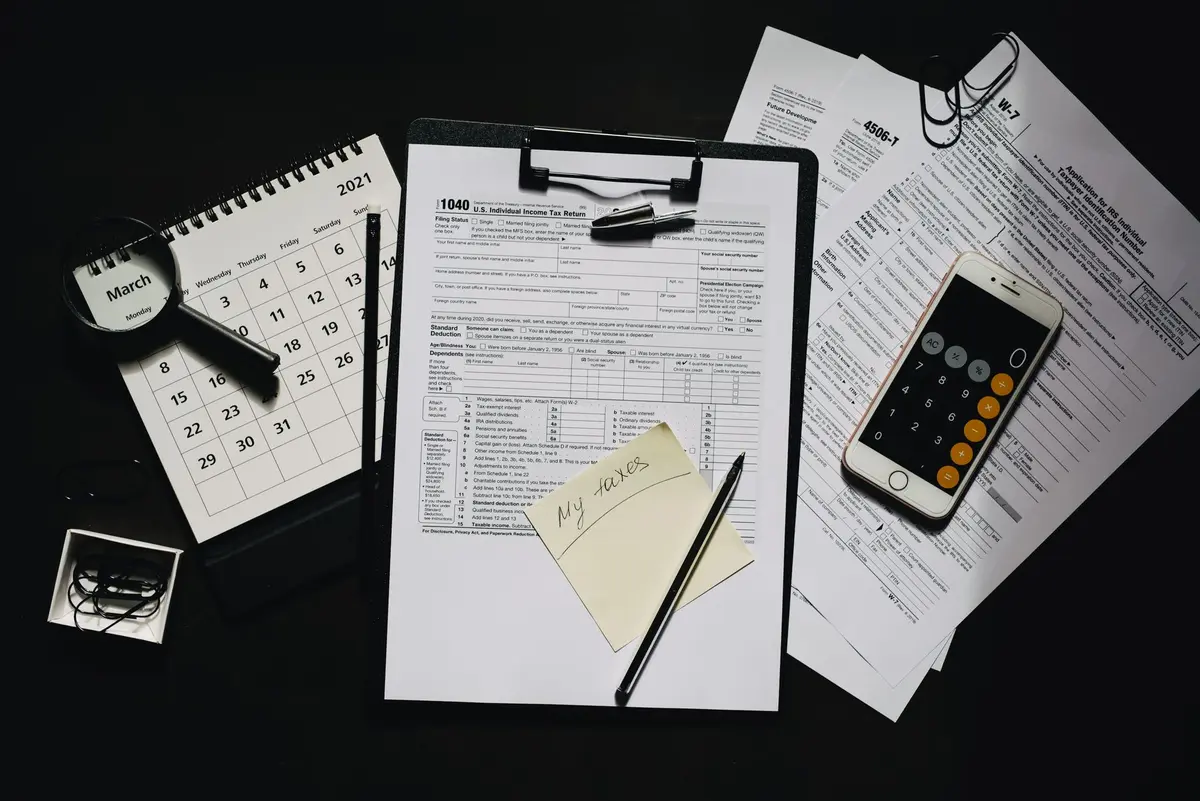
The rule depends on the size of each single contribution, not on what a donor gives over the year. The IRS Publication 1771 states that donors need a contemporaneous written acknowledgment from the charity for any single contribution of $250 or more before they can claim the deduction. Separate gifts under $250 are not added together to reach the threshold. A donor who gives $25 every week has made 52 separate gifts, and none of them triggers the written acknowledgment rule on its own.
Your organization therefore needs to sort gifts into a few groups. The rule for each group is short:
- Cash gifts under $250: a bank record or a written note from the charity showing the organization's name, the date and the amount is enough for the donor's proof. A receipt is still good practice, because many donors ask for one.
- A single cash gift of $250 or more: the donor needs a CWA. It must state the amount, and it must say whether the organization gave any goods or services in return. If it did, it must describe them and give a good-faith estimate of their value.
- Noncash gifts: a description of the property is required, but the acknowledgment does not state a value. Noncash gifts over $500 bring in Form 8283 on the donor's side, and gifts over $5,000 need Section B of that form.
- Gifts where the donor receives something back and the payment is over $75: the charity must give a written disclosure statement, even when the deductible part is $75 or less. A $100 gift that comes with a $40 concert ticket is the IRS example of this case.
The IRS does not require the CWA to be sent on a particular day. It must be in the donor's hands by the earlier of the date the donor files the return for the year or the due date, including extensions. In practice, the donor will usually ask for it, so waiting until the donor asks creates avoidable problems. Sending it within a few weeks of the gift is the simplest standard to set.
A missing CWA does not usually cost the charity a penalty. It does cost the donor the deduction, and donors who discover this at tax time tend to blame the charity. The penalty that does apply to charities is the one for missing a quid pro quo disclosure. The IRS instructions for Form 990-EZ (2025) state a penalty of $10 per contribution, with a cap of $5,000 per fundraising event or mailing.
Why this problem costs money
The direct cost is staff time, and the official rules do not set a benchmark for how long a receipt should take. The arithmetic is simple enough to run with your own numbers. Count the gifts you receive in a typical month, multiply by the minutes it takes to find the donor, type the amount, write the letter and file a copy. Then multiply by twelve.
Here is an illustration only, not a benchmark. Suppose an organization receives 400 gifts a year and spends 5 minutes on each one. That is about 33 hours a year, before any year-end summary work. If the same organization also spends a few hours each December rebuilding totals from bank statements, the year-end run takes longer than the monthly routine.
The cost of errors is higher than the cost of time. A gift of $250 or more sent with the wrong amount, or without the goods-or-services statement, can leave a donor unable to deduct it. A donor who finds out in April is unlikely to give again. A gift that is missed entirely, because it arrived by check and was never entered, produces no receipt at all.
The manual way and the automated way
| Task | Manual way | Automated way |
|---|---|---|
| Capturing gifts | Someone keys in card, check and cash gifts from several places, often a month late | Online gifts flow into one record on the day they are paid. Checks are entered from the deposit slip or a scanned image, then checked by a person |
| Sorting by rule | A staff member remembers which gifts are large or come with benefits | The record flags gifts at or above $250, any noncash gift, and any payment over $75 with benefits |
| Writing the receipt | A letter is typed for each donor, with the required statements added or forgotten | A fixed template fills the amount, date, name and statements from the record. Standard wording does not change |
| Large or unusual gifts | Handled the same way as small gifts, so review depends on memory | Held in a review queue. A person checks the figures against the bank deposit before anything is sent |
| Year-end summary | Totals are rebuilt from bank statements in December | Totals are calculated from the same record as the monthly receipts, with each gift listed on its own line |
| Audit trail | Copies are scattered across inboxes and desk drawers | Each receipt is stored with the date it was sent and the gift it covers |
How to automate it, step by step
- Pick one gift record. This can be your donor database, a CRM, or a shared spreadsheet. Every gift needs a donor name, an email address, a date, an amount, cash or noncash, whether anything was given in return, and the value of anything given. If you use a spreadsheet, freeze the column headings and do not let people rename them.
- Capture card and online gifts at the point of payment. If you take card payments through Stripe, Stripe can send an automatic receipt after each successful payment once you turn on the Successful payments option in the customer email settings. The receipt is only sent when the payment succeeds, and it needs an email address. Make email a required field on your donation form. Stripe's receipt is a payment record, so the goods-or-services statement still has to come from your own acknowledgment template.
- Record checks and cash by a set routine. Enter checks within two working days of the deposit. If you scan checks, optical character recognition (OCR) can read the payer name and the amount from the image. A person must confirm both before the gift is saved, because OCR misreads handwriting and names.
- Route each gift by rule. Use a simple workflow tool such as Zapier or the workflow feature in your CRM. A cash gift under $250 with no benefit goes to automatic receipt. A gift of $250 or more, any noncash gift, and any payment over $75 with a benefit goes to a review queue. The rule lives in one place, so it does not depend on who is working that week.
- Generate the acknowledgment from a fixed template. The template holds the required sentences word for word, and the system fills in the variable fields. A large language model can help draft the personal thank-you paragraph from the donor's history, but it should never write the legal statements. Those come from the approved text, checked once a year against Publication 1771.
- Review the queue before sending. A named person checks each queued acknowledgment against the bank deposit and the gift record. The reviewer confirms the amount, the goods-or-services statement and any value estimate, then approves the send. Keep a short log of who approved what.
- Reconcile every month. Match the month's deposits to the gift record. Any deposit with no gift, or any gift with no deposit, goes to an exceptions list. This is the step that catches missed checks before a donor notices.
- Build the year-end summary from the same record. Produce one statement per donor that lists each gift on its own line, with its date and amount. The IRS allows one acknowledgment, such as an annual summary, to cover several single gifts of $250 or more, but each gift still has to be covered by the required information. Check the summary against the donor's gifts before sending it in January.
What breaks, and how to prevent it
The most common failure is a gift with no email address. Automatic receipts cannot reach that donor, so the gift falls out of the queue unless you check for it. A daily report of gifts without an email address solves this for most organizations.
Refunds and failed payments need their own path. A failed card payment should not produce a receipt, and a refund should be recorded against the original gift, not deleted. Staff often forget that a refund changes the donor's deductible total, so the summary should show refunds as separate lines.
The second failure is a missing benefit field. A gift event with dinner, an auction item or a ticket can pass through the form without anyone recording the benefit. The fix is a mandatory question on every event form and a monthly check of event gifts against the benefit list. Benefits need a good-faith value estimate, and an automated template cannot estimate that value for you.
The third failure is template drift. Someone edits the acknowledgment to add a friendly line and removes a required statement by accident. Lock the template, keep one approved copy, and test the template against a sample gift once a year.
Finally, noncash gifts break simple rules. Clothing, vehicles, securities and property need their own descriptions, and gifts over $500 can bring in Form 8283 for the donor. Do not let the automated rules decide these cases alone. Route them to a human with tax knowledge.
When not to automate
Automation adds risk when volume is very low. If your organization receives only a handful of gifts a year, a hand-typed acknowledgment checked by one person may be quicker and safer than building a workflow. The setup time will not pay back.
Do not automate large or unusual gifts without a human decision. Gifts of stock, property, vehicles, bequests, restricted gifts and pledges all need a person who understands the donor's tax position. For noncash property over $5,000, the donor needs a qualified appraisal, and the charity should not try to value the gift itself.
Do not automate on top of a record that nobody trusts. If donor names are spelled three different ways and half the emails are missing, the automation will send wrong receipts faster. Clean the donor list first, then connect it.
Automation cannot tell you whether a gift was given for a reason that changes the tax treatment, and it cannot decide whether a benefit has substantial value. A person makes those calls, and the software only carries out the rule once the call is made.
What it typically takes
Plan the work in time, not money. Reading Publication 1771 and writing the template usually takes a few hours for one person who knows the donor records. Checking the rules with your tax adviser is an extra step, and it is worth doing once before go-live. Testing the routing with last year's gifts is the part that takes longest, because each rule needs a test case and each test needs a result you can check against the bank statements.
After setup, the monthly routine should take a predictable amount of review time. It scales with the number of queued gifts, not with the number of donors. Keep a note of how many minutes the queue takes each month. If it rises, the rules need tightening, not more reviewers.
The year-end run is the real test. Start the summary in early December, not in January, so that gaps in the monthly record can be fixed before the donors need their statements. A realistic plan is to run the full system once against the current year's gifts in late November, fix what breaks, and then switch it on for December.
This explains the rule in general terms; it is not legal or tax advice for your case.
Sources
How AiStaffo would automate this
AiStaffo would connect your card processor, donation form, bank deposit records and donor list into one gift record, so every gift is captured on the day it arrives. The system would send standard receipts for cash gifts under $250 from a fixed template, and place any gift of $250 or more, any noncash gift and any benefit gift into a review queue. It would also reconcile deposits each month and build the year-end statement from the same record. The owner or finance lead still approves the queued acknowledgments, confirms benefit values and handles refunds and noncash gifts. Book a free automation audit to see which parts of your gift flow fit this routine.
Questions people ask
Do I need to send a receipt for every donation?
What must a written acknowledgment for a $250 gift include?
Can an annual summary replace separate acknowledgments for several large gifts?
When is a disclosure statement required for a gift with a benefit?
Can a payment processor send the receipt for me?
Does automation remove the need for a person to check receipts?
Book a free automation audit
Thirty minutes. We look at one process you run every week and tell you exactly what an AI worker would take off your desk, and what it would not.