Till Cash Count and POS Variance: A Daily Reconciliation Checklist
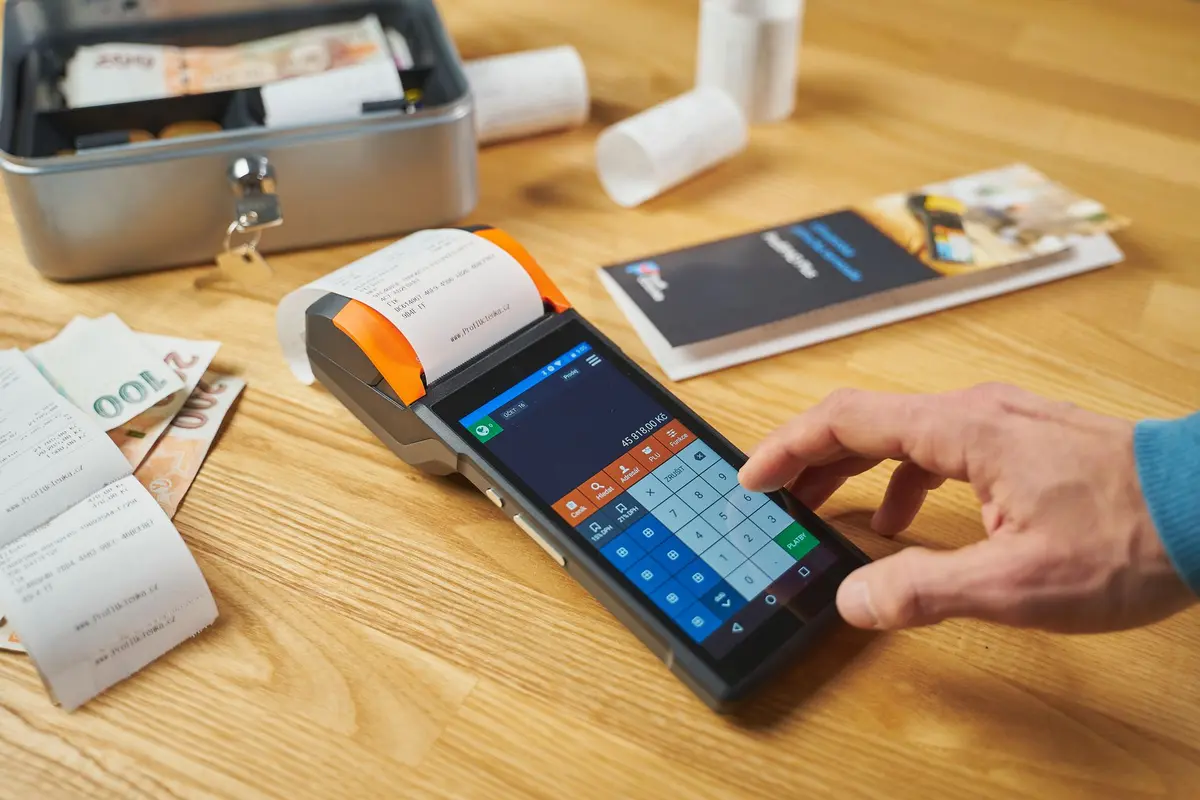
Take the POS end-of-day report first, so the expected figure is fixed before anyone counts. Count each drawer blind, by denomination, after setting aside the opening float. Compare the count with the expected cash, which is the opening float plus cash sales, minus cash refunds, paid-outs and cash drops. Match card totals separately to what your payment provider settles. Log every gap by date, shift and till. An AI worker can pull the POS totals, match them to the count sheets and settlements, log each variance, and send you only the exceptions. A person still counts the cash and approves any write-off.
In short
- Fix the expected cash figure from the POS report before anyone counts the drawer.
- Log every variance by date, shift and till, so patterns show up instead of one-off gaps.
- Match card totals to payout records, because card sales often settle on a later day.
- An AI worker can match, log and flag, but a person still counts the cash and approves any write-off.
- Run the manual checklist for two weeks before automating, so you know your normal variance range.
The daily checklist, in the order it should run
Most till problems are not mysteries. They come from steps done in the wrong order or left out. The sequence below is the one that keeps the expected figure honest, because the count is compared with a number that was fixed before anyone looked at the drawer.
- Print or export the POS end-of-day report before the drawer is counted. Write down the expected cash and the expected card totals first.
- Count the opening float, set it aside, and leave it out of the sales count.
- Record every paid-out, cash refund, cash drop and petty cash item on a paper trail or in the POS, so the expected figure includes it.
- Count each drawer separately, by denomination, ideally with a second person checking the total.
- Calculate expected cash minus counted cash. A negative result is a shortage, a positive result is an overage. Record the real count, even if it does not match the POS. Do not adjust the count to make the day balance.
- Match card totals from the POS to the daily sales and the settlement your payment provider reports for that day.
- Log each variance with the date, shift, till, cashier and a one-line note on the likely cause.
- Investigate same day anything above your threshold. Look at patterns over the week, not only the single day.
The expected-cash formula is simple. Starting float plus cash sales, minus cash refunds, minus paid-outs and cash drops, gives the amount that should be in the drawer. Retail cash guides describe the same steps, and most stress the same point: the count must be taken blind, before the POS figure is seen, or the variance is not a real measurement.
Why a small variance costs more than the amount
A variance of a few dollars looks trivial. The cost sits in what it hides. Commonly cited rules of thumb in US retail back-office guidance treat a $1 to $5 gap in a shift as normal counting error, while the same gap in the same direction every shift is a sign of a training gap or a conduct issue. These thresholds come from practitioner guides, not from independent studies, so treat them as starting points and set your own limits from your own history.
The larger picture is also useful. The National Retail Federation's 2023 National Retail Security Survey, the last edition of that study, put total US retail shrink at $112.1 billion, or 1.6% of retail sales, in fiscal 2022. That figure covers all shrink, not till variance alone, but it shows how much of the loss sits inside stores. A 2026 report from Appriss Retail, covering 2025, estimated that 21% of total retail loss is preventable. Neither source tells you what your own till loses. That number comes from your own variance log after a few months of clean records.
For a worked example, suppose a till should hold $800 after the float and it counts $770. The short is $30. If that happens on two tills, four days a week, the monthly total is larger than the single-day figure suggests, and it is still invisible if the gaps are only written down and never added up. The real cost is the time spent chasing it, the risk of a theft pattern going unnoticed, and the decisions made from a wrong cash number.
The manual way and the automated way
The table shows what changes when an AI worker does the matching and logging. The count itself still belongs to a person in both columns.
| Task | Manual way | With an AI worker |
|---|---|---|
| Expected cash figure | Owner or supervisor reads the POS report and works out the figure by hand, sometimes after the count | The POS export is pulled automatically and the expected figure is fixed before the count sheet is due |
| Card matching | Card slips and terminal totals are checked in the evening, or the following week | Card totals are matched to the payout records the same day, with differences flagged |
| Logging variances | Written in a notebook or on a sheet that is hard to search by till or cashier | Each variance is stored with date, shift, till and cashier in one ledger |
| Spotting patterns | Relies on someone remembering that the same till was short last Friday | The ledger shows repeat gaps by till and shift, and flags them when a threshold is crossed |
| Owner time | Reads every day's paperwork, or nothing until the month end | Reads only the exceptions and the approval requests |
| Write-offs | Decided informally, often after the fact | Proposed by the system, approved by a named person, and recorded |
| Counting | Done by staff | Still done by staff, with the photo or entry checked by a person |
How to automate it, step by step
Automation works best when each step has one clear owner and a plain record. Start with the data you already have. Do not buy a new system until the checklist has run by hand for a few weeks, because the manual run shows you which till, which shift and which payment type cause most of the gaps.
Step 1: Get the POS data out automatically
Check whether your POS can export the end-of-day report, or whether it offers an API. Square is a common example. Its Payouts API lets an application list payouts for a location and retrieve the individual payout entries behind each one, which is what you need to match card settlements to sales. Its older Settlements API has been replaced, so any build should use the current Payouts endpoints. If your POS has no export or API, the AI worker can read a scheduled CSV or PDF report instead, but that adds a manual step to check.
Step 2: Capture the count sheet
Staff enter the denominations on a simple form, or photograph a printed count sheet. For photos, optical character recognition (OCR) tools such as Google Cloud Vision or Amazon Textract can read handwritten or printed numbers into a table. OCR makes errors on handwriting, so the first two weeks should have a person check every total against the paper. Once the error rate on your sheets is low, the check can move to exceptions only.
Step 3: Use WhatsApp or email as the staff channel
Many teams already photograph things on their phones. A WhatsApp Business API connection can receive a count-sheet photo from the shift lead and send back a reminder or a question, such as which till is missing a float. Email works just as well and is easier to audit. Meta changes WhatsApp Business Platform fees by country and message type, so check the current rate card before you plan volume. Whichever channel you choose, keep the count sheet itself as the record.
Step 4: Hold the ledger in a spreadsheet or accounting tool
A Google Sheet or Excel workbook is enough for one site. It should have one row per till per shift, with columns for expected cash, counted cash, variance, card expected, card settled, cashier, and a cause note. Larger teams should connect the ledger to their accounting package, such as Xero, QuickBooks or Zoho Books, so that cash differences post to a named account and are not lost in a general line.
Step 5: Set thresholds and let the worker flag exceptions
Set one threshold for the amount and one for patterns. For example, flag any single variance above your agreed amount, and flag any till that shows a gap in the same direction on three shifts in a week. Choose the numbers from your own first month of data. The AI worker does the arithmetic and the comparison. It should not decide what a variance means.
Step 6: Use a language model for the note, not the decision
A large language model can turn the day's exceptions into a short plain note for the owner, such as which till, which shift, how much, and which gaps repeat. It should work only from the logged numbers. It should not guess the cause, and it should not approve a write-off. The owner or a named supervisor approves each write-off, and the approval is recorded in the ledger.
Step 7: Send the owner only the exceptions
The owner receives a single morning message or email with the exceptions, the approvals waiting, and any card totals that did not match. The rest stays in the ledger for anyone who needs to look.
What breaks, and how to prevent it
Most failures are data failures, not software failures. The list below covers the ones that cause false variances or hide real ones.
- The float is not counted. If the opening float is left out of the count, every day shows a false shortage. Count it, set it aside, and record it on the sheet every day.
- Sales run on a device without the drawer. A Square Community thread describes a shop that saw cash sales missing from the drawer report when a second tablet took cash. The fix it reported was to take cash on one device only. Check which devices take cash, and make the worker treat any cash sale from another device as an exception.
- Cash drops are not logged. A drop that is not recorded makes the expected figure too high. Log every drop, with time and who did it.
- Card settlements arrive on a different day. A card sale on Friday may settle on Monday. Match card sales to payout entries rather than to the same calendar day, or the worker will report false gaps every week.
- Pre-pay or split-tender sales are rung wrong. Fuel, meal vouchers and split payments are common sources of cash variance. Check how each tender is entered in the POS before automating.
- Staff count to match the POS. If the count is adjusted to the expected figure, the variance disappears and the real cause is lost. Keep the blind count and the separate record of the count.
- OCR misreads numbers. A 1 read as a 7 creates a false variance. Keep a person checking the first weeks of counts and every flagged exception.
There are also limits that no setup removes. The system cannot count cash, cannot tell a miscount from theft, cannot detect counterfeit notes, and cannot explain a variance it has no data for. A person must still count, investigate and decide. The worker shows where the numbers differ and how often. It does not establish why.
When not to automate this
Automation is not worth it in every case. If you run one till that takes a few dozen sales a day, and you count and check the drawer yourself, a notebook and a weekly review may give you the same control at lower cost in set-up time. The same is true if your POS cannot export data at all, because the worker would then depend on retyping figures, which adds the errors you are trying to remove.
Wait before automating if your variances are caused by a process you have not fixed yet. A till that is short because the float is wrong will stay short when a robot logs it. Fix the process first, then automate the record. Automation also does not solve a trust problem. If the cause of the gaps is a person taking cash, a dashboard will show the gap, but managers still have to act on it.
Finally, if you handle large volumes of cash, a cash-in-transit or cash management provider may control the process better than a spreadsheet, and the matching should be built around their reports.
What it typically takes
The main cost is time, not software. A count itself is short. A US cash-equipment supplier's guide puts a proper end-of-day reconciliation at around 10 to 15 minutes per register. That is the time you already spend. Automation changes what happens after the count.
Plan the work in three parts. First, run the manual checklist for at least two weeks and record every variance, so you know your normal range. Second, connect the POS export, the count capture and the ledger, and run them in parallel with the manual sheet for another two weeks, so you can compare the flags with what a person found. Third, switch the owner's morning message to exceptions only, and keep the manual check on the first few counts each week. The exact time depends on how many tills you have, how many payment types you accept, and how clean your POS data is. Your free automation audit measures those figures from your own records.
This explains the process in general terms; it is not legal or tax advice for your case. If a variance leads to a disciplinary step, follow your employer's own procedure and the employment rules where you operate, and check with a lawyer or your accountant before acting on a write-off.
How AiStaffo would automate this
AiStaffo would connect the POS end-of-day export, the count sheets staff submit, and the ledger or accounting tool you already use. Each day the AI worker would fix the expected cash and card figures, match them to the counted cash and card settlements, and log every variance by shift, till and cashier. The owner would receive only the exceptions and the write-offs waiting for approval. Staff would still count the drawers blind, and a named person would still decide what each variance means and approve any write-off. Book a free automation audit to measure your own variance history and see which tills would benefit first.
Questions people ask
What is a normal cash variance at the end of a shift?
Should the count be done before or after I look at the POS report?
Can an AI tool count the cash for me?
How do I match card payments to the POS report?
What should I do when the same till is short every week?
Book a free automation audit
Thirty minutes. We look at one process you run every week and tell you exactly what an AI worker would take off your desk, and what it would not.