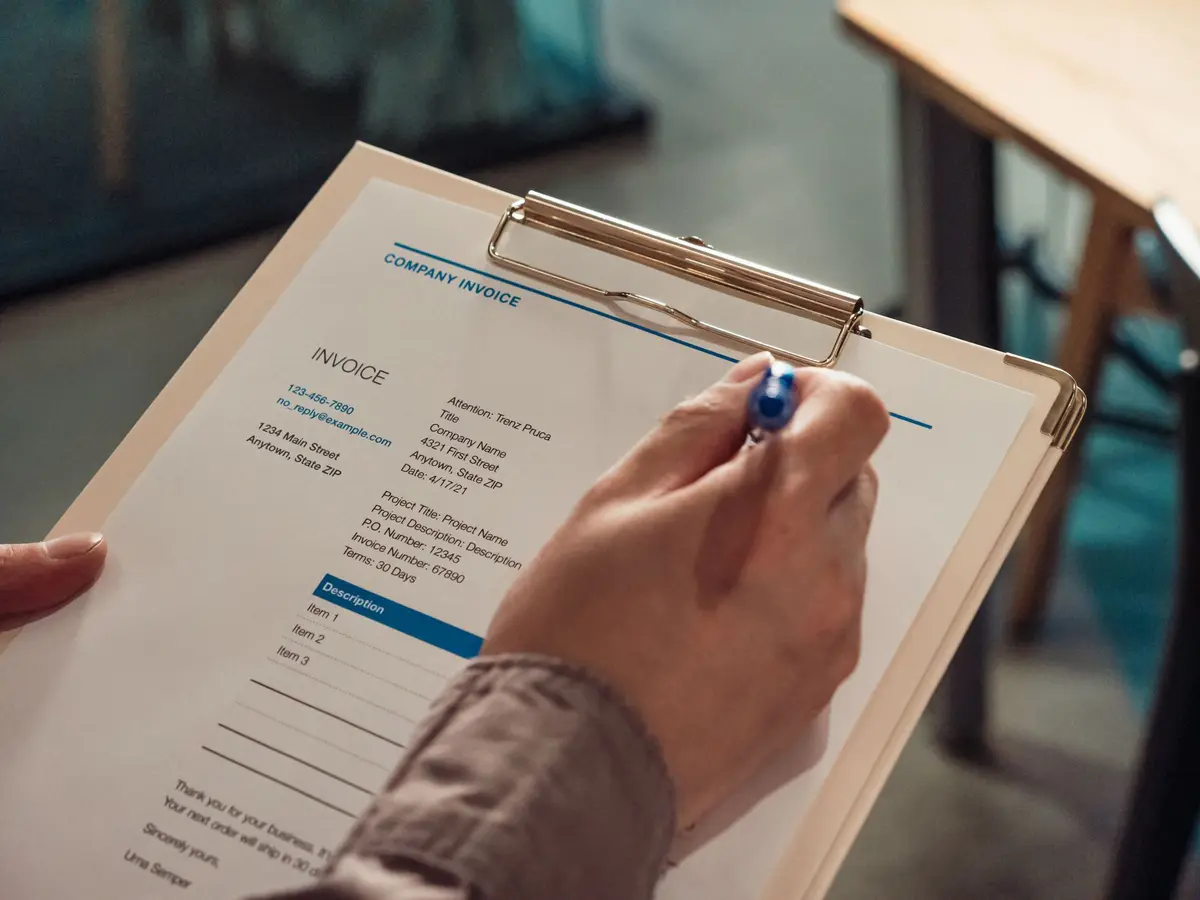
Import Shipment Document Checking and Data Entry, Automated
An import shipment document checking service uses an AI worker to read the commercial invoice, packing list and certificate of origin as each one arrives by email. It keys the figures into your freight or ERP system and compares quantities, weights and values across the set. When two documents disagree, the case goes to a named person with the conflicting lines highlighted, so the fix happens before the shipment reaches customs. Tariff classification and duty decisions stay with a licensed customs broker or a trained member of your team. The work is repetitive, and it is where many avoidable delays begin.
In short
- The AI worker reads invoices, packing lists and certificates of origin as they arrive, enters the data and compares figures across the set.
- Every mismatch goes to a named reviewer with the conflicting lines highlighted and an audit trail kept.
- Duty decisions and tariff classification stay with a licensed customs broker or trained staff.
- A short audit comes first, and it may recommend against automation for low volumes.
- Typical build plans run about five to eight weeks for one mailbox and one main system.
What this service is
This service reads the paperwork that comes with an inbound shipment, enters the data into the system your team already uses, and checks that the documents describe the same goods in the same way. Suppliers send PDFs, scanned pages, image files and spreadsheets, often as email attachments, and the AI worker handles each format without someone sorting the files first. The output is a clean record in your freight or ERP system and a short list of exceptions for people to resolve.
Who it is for
The service suits any business that brings in goods across borders and receives shipping paperwork from more than one supplier or forwarder. A five-person importer that receives a container a month and a group with thousands of staff and many shipping lanes can both use the same design. The difference is scale of set-up. A business that imports only a few times a year may find that manual checking costs less than the set-up, and we say so during the audit.
Why mismatches matter
Most customs holds start with paperwork rather than with the goods themselves. A packing list that disagrees with the commercial invoice on quantities, weights or descriptions tends to prompt a physical inspection, and inspections can add days or weeks to clearance. Common examples are a gap between 1,000 units on the invoice and 950 across the cartons, and a gross weight of 250 kg on the packing list against 185 kg declared on the invoice. Unit confusion is another trap. Pieces, pairs, cartons and inner packs can look to a customs officer like undeclared goods. Names of the consignee and importer also need to match exactly across the bill of lading, invoice and packing list, because a small typo can lead to a rejected filing.
What is included
- An intake mailbox or upload point that collects invoices, packing lists and certificates of origin and groups them by shipment.
- Data extraction for party names, invoice numbers, product descriptions, quantities, unit prices, gross and net weights, currency, origin and trade terms.
- Entry of the extracted figures into your freight or ERP system, mapped to your existing fields.
- Cross-document comparison of quantities, weights, values, descriptions, units of measure and party details.
- A same-day alert when a document expected for a shipment has not arrived.
- Routing of every mismatch to a named reviewer, with the conflicting lines highlighted side by side.
- An audit trail that records who reviewed or overrode a flag, when, and the reason given.
- A written process map and a monthly summary of exceptions by supplier, so the root causes can be fixed at origin.
How the engagement runs
Audit
We start by reading a sample of recent shipment files, the mailboxes they arrive in, and the fields your system needs. We also count how many documents come from each supplier and which formats cause the most re-keying. The audit ends with a short written finding and a clear recommendation, including a recommendation not to automate if the volume does not justify it.
Process map
Next we map the path a shipment takes from the first email to the final record. For each step we note who does the work today, which system holds the data, and where people currently check one document against another. This map becomes the agreed specification. Where the receiving system follows the WCO Data Model, we align field names with it. The World Customs Organization offers that model free of charge to economic operators, and it covers some of the data elements found on invoices, packing lists and bills of lading.
Build
The build connects the mailbox, the extraction step, the comparison rules and your system. Comparison rules are written with your team, including the tolerance you accept for weights and rounding. Each rule is tested on past shipments where the outcome is already known, so your team can see how the worker would have behaved.
Run
In the first live period, the AI worker runs alongside your current process. People still check everything, and we compare the two results. Once the exception list matches what your reviewers would flag, the worker takes over intake and entry, and reviewers only handle the flags it raises.
Support
After go-live we review the exception summary each month, adjust rules when a supplier changes its template, and update the process map when your lanes or systems change. Support covers the worker and its connections. It does not include changes to your customs filings, which remain with your broker.
What the client provides
You provide access to the mailbox or upload point where documents arrive, and read or write access to the freight or ERP system where records are kept. You also provide a set of recent shipment files for the audit, a list of your suppliers and forwarders, and the name of the person who owns each type of exception, such as a logistics lead or a finance controller. You need a named customs broker or a trained team member who owns classification and duty decisions. Without that owner, flags have nowhere to go.
Typical timeline
| Phase | Typical length | What happens |
|---|---|---|
| Audit | 1 week | Sample review, system access check, written finding |
| Process map | 1 week | Agreed flow, field mapping, comparison rules |
| Build | 2 to 3 weeks | Connections, extraction, testing on past shipments |
| Parallel run | 2 weeks | Worker and team check the same shipments and results are compared |
| Run and support | Ongoing | Live intake, monthly exception review, rule updates |
These lengths assume one mailbox and one main system. Several systems, several languages in the documents or several countries will extend the build.
What automation does not cover
The AI worker does not decide tariff classification or duty. Where a product description could fall under more than one code, or where a valuation method is in question, a licensed customs broker or a trained staff member makes the call. Under United States customs rules, the importer of record remains responsible for reasonable care, whatever software touched the entry. The worker also does not file declarations with customs authorities such as the US Automated Commercial Environment or the EU Import Control System 2, and it does not decide whether to release, hold or correct a shipment. Poor-quality scans can be misread, so the worker flags low-confidence fields for a person to check. Finally, the service cannot make a supplier send a correct document. It can show you the error on the day it arrives, and the correction still has to come from the supplier.
Sources
How AiStaffo would automate this
AiStaffo would connect the mailbox where supplier documents arrive to the freight or ERP system your team already uses. The AI worker would read each invoice, packing list and certificate of origin, enter the figures, and compare quantities, weights, values and party names across the set. Missing documents would trigger an alert on the day they are due. Any conflict would reach a named person with the lines highlighted, while your broker keeps the classification and duty calls. Book a free automation audit.
Questions people ask
Can an AI worker really compare an invoice with a packing list?
Does the service decide the HS code for our products?
What file types can the worker read?
How is this different from standard OCR software?
Do we still need a customs broker after this is in place?
How long before we see results?
Book a free automation audit
Thirty minutes. We look at one process you run every week and tell you exactly what an AI worker would take off your desk, and what it would not.