Chase Supplier Delivery Dates Automatically for Indian Businesses

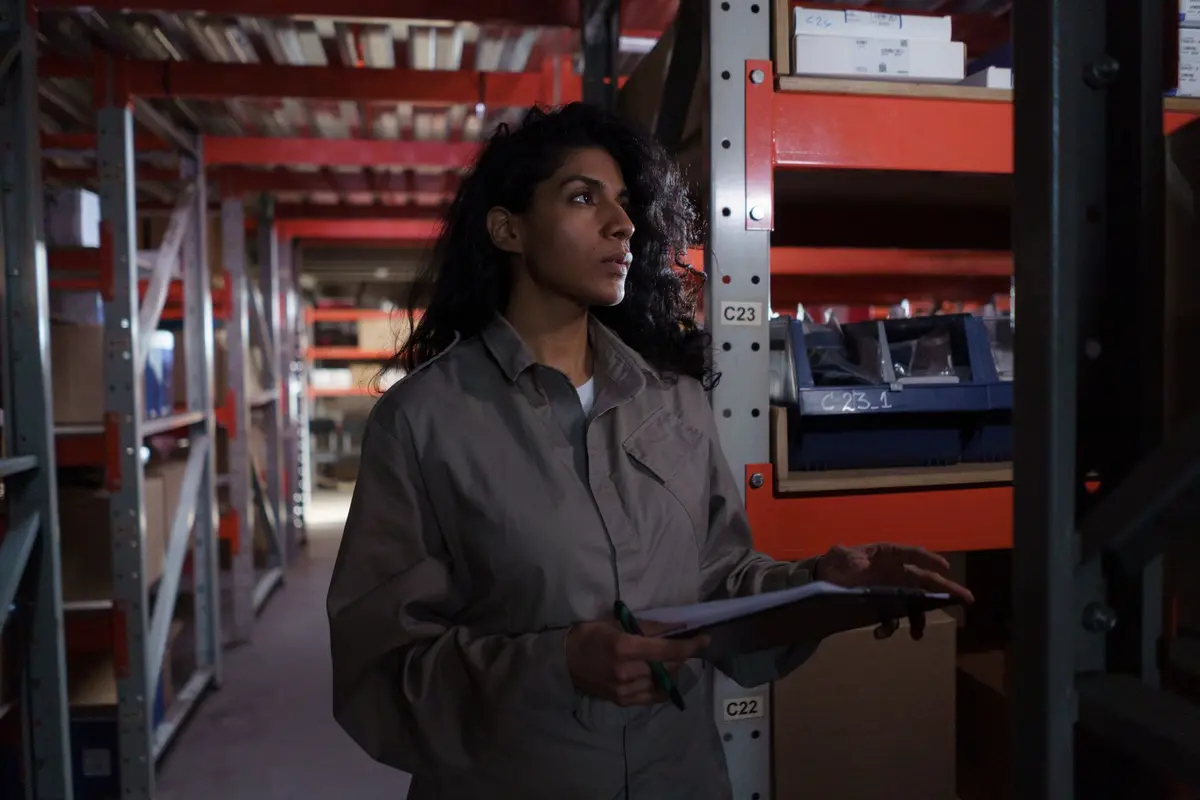
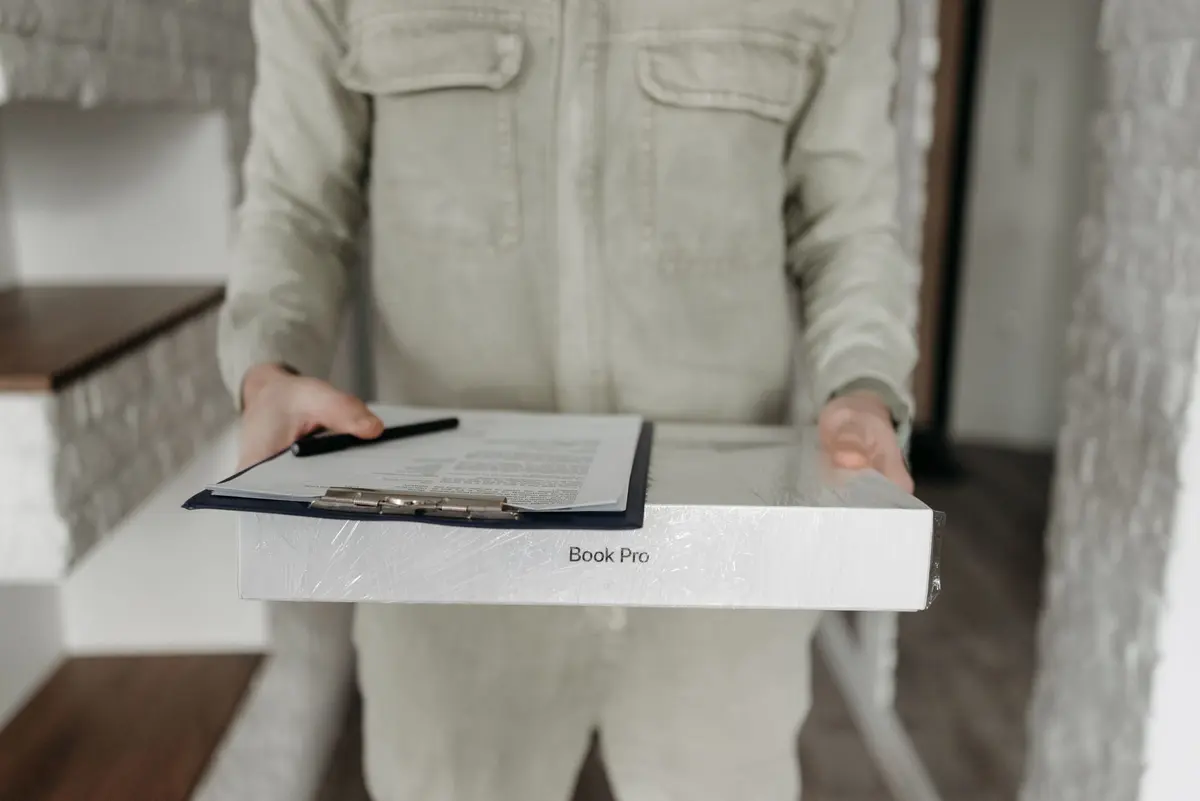
AiStaffo sets up an automated worker that starts once a purchase order is issued. It asks each supplier for a dispatch date by email or WhatsApp, reads the replies, and writes the expected date into your purchase record. If a confirmed date passes without goods arriving, you receive an alert. Each day it also lists the orders that have had no reply yet. The worker does not negotiate prices and does not change order quantities. Those decisions stay with your buyers. For businesses that record purchases in Tally or a similar ledger, the result is that delivery dates in the books match what suppliers actually said, and nobody has to chase them by hand.
In short
- The worker asks suppliers for dispatch dates after each purchase order and writes confirmed dates into your records.
- Alerts fire when a confirmed date passes without receipt, and a daily list shows orders with no reply.
- Prices and quantities stay with your buyers; the worker does not negotiate or change orders.
- WhatsApp messages outside the 24-hour window need approved templates, which can take 24 to 72 hours to clear.
- A first live run typically takes about six weeks, starting with an audit of open orders.
What the service covers
Once a purchase order leaves your desk, the worker writes to the supplier and asks for a dispatch date. It accepts the answer in whatever form the supplier uses, reads it, and places the confirmed date against that order. A reply such as 'we will try' is recorded as unconfirmed, not as a date. The worker then watches the order until goods are received or the date passes. The point is not more messages. The point is that every open order carries a date someone has actually been given.
Who it is for
The service suits any business that buys stock, raw materials, packaging, spare parts or contracted services on purchase orders, and deals with more than a handful of suppliers. A five-person trading firm that orders from eight vendors has the same problem as a group with thousands of staff and hundreds of vendors. The difference is volume. In a small firm, the owner often carries the chasing in their head. In a larger one, it sits with several buyers who each follow up in their own way.
The gap is common. A 2024 State of Procurement survey, reported by the California Association of Public Procurement Officials, found that 56 per cent of procurement teams struggled with slow approvals and manual workflows. The same report names late deliveries and poor supplier communication as a source of disruption. The American Productivity and Quality Center defines on-time supplier delivery as goods reaching the site by the original request date, and it notes a sizeable gap between top and bottom performers on that measure. A 2025 Sphera survey found 73 per cent of 200 senior executives in the United States and United Kingdom had faced supplier disruption in the previous year. That sample is not Indian, so treat it as a sign of the problem rather than a local measure.
What is included
- A list of your open purchase orders, with supplier contacts and the channel each supplier uses.
- Dispatch-date request messages for email and WhatsApp, written in plain language.
- Reply capture that writes the confirmed date, any reason given for a change, and the time of the reply into the purchase record.
- An alert to the buyer when a confirmed date passes and no receipt is logged.
- A daily list of orders with no reply, sorted by how long they have been waiting.
- Draft escalation messages for the buyer to review and send. The worker does not send escalations on its own.
- A weekly summary of confirmed, missed and unanswered dates by supplier.
- A named hand-off to a person in your team for any reply the worker cannot read.
How the work runs
The engagement moves through five stages. Each stage ends with something you can check.
- Audit. We review your open purchase orders, the channels your suppliers use, and how delivery dates are entered today. The output is a count of orders with no date and a list of suppliers who reply slowly.
- Process map. We draw each step from order issue to goods received, and name the person who decides at each point. You approve the map before anything is built.
- Build. We connect the email inbox, the WhatsApp Business account and your purchase ledger, write the messages, and set the alert rules.
- Run. The worker operates in a supervised period. Your buyer reviews every exception and every change to a confirmed date for the first weeks.
- Support. Each month we review unanswered suppliers, message wording and alert thresholds, and adjust them.
Typical timeline
Most engagements reach a first live run in about six weeks. The table shows the planning figures we work to.
| Stage | Typical length | What you receive |
|---|---|---|
| Audit | 1 week | Open order list, date gaps, supplier channels |
| Process map | 1 week | Approved flow with a named owner for each step |
| Build | 2 to 3 weeks | Connected inbox, WhatsApp account, ledger link, message set |
| Supervised run | 2 weeks | Exception log and buyer sign-off |
| Ongoing support | From week 7 | Monthly review and tuning |
WhatsApp rules in India
WhatsApp is often the fastest channel with suppliers, but it has rules. A business that starts a conversation outside the 24-hour window after the other party last wrote must use a pre-approved template. Templates are reviewed by Meta, and a standard review usually takes 24 to 48 hours, with complex templates taking up to 72 hours. Dispatch-date requests tied to an order you placed fit the utility style of message, which informs rather than promotes. Wording matters. Templates that read like offers tend to be classified as marketing and rejected, so the request is written as an order update and nothing more.
What you provide
You provide read access to the purchase ledger, a shared inbox or an authorised sender address, the WhatsApp Business number that will carry supplier messages, and a list of suppliers who agree to be contacted that way. You also name one buyer who owns exceptions. The audit will show whether your supplier master data is clean enough to link orders to the right contact. If it is not, cleaning it is the first job.
What it does not cover
The worker does not negotiate prices, change quantities, cancel orders or accept supplier terms on your behalf. It cannot make a supplier reply, and a silent supplier stays on the unanswered list until a person acts. A confirmed date is the supplier's word, not a guarantee, so goods still need a receiving check. The worker does not judge supplier quality or replace your decision to switch vendors. Results depend on each supplier's number being correct and on your ledger accepting the update, which is confirmed during the audit.
Sources
- The Complete Guide to WhatsApp for Business in 2026
- WhatsApp Business API Pricing in 2026: Conversation Categories, Costs, and What Changed — Blueticks Blog
- WhatsApp API Message Templates for Indian Businesses
- Best WhatsApp Message Templates India (2026 Guide)
- WhatsApp API Template Approval Rules Every Indian Business Must Know (2026 Guide) - whatsboost
How AiStaffo would automate this
AiStaffo would connect your purchase ledger, the buyer inbox and the WhatsApp Business number that suppliers already use. Once a purchase order is issued, the worker sends the dispatch-date request, reads each reply, and writes the confirmed date against the order. It raises an alert when a confirmed date passes without goods logged, and it produces a daily list of orders still waiting. Your buyer still reviews escalations, decides on any change to price or quantity, and handles the supplier relationship. Book a free automation audit.
Questions people ask
Does the worker work with Tally?
Can suppliers reply on WhatsApp and email both?
What happens if a supplier never replies?
Will the worker negotiate prices or change quantities?
Is a confirmed date the same as goods arriving on time?
How long before we see results?
Book a free automation audit
Thirty minutes. We look at one process you run every week and tell you exactly what an AI worker would take off your desk, and what it would not.