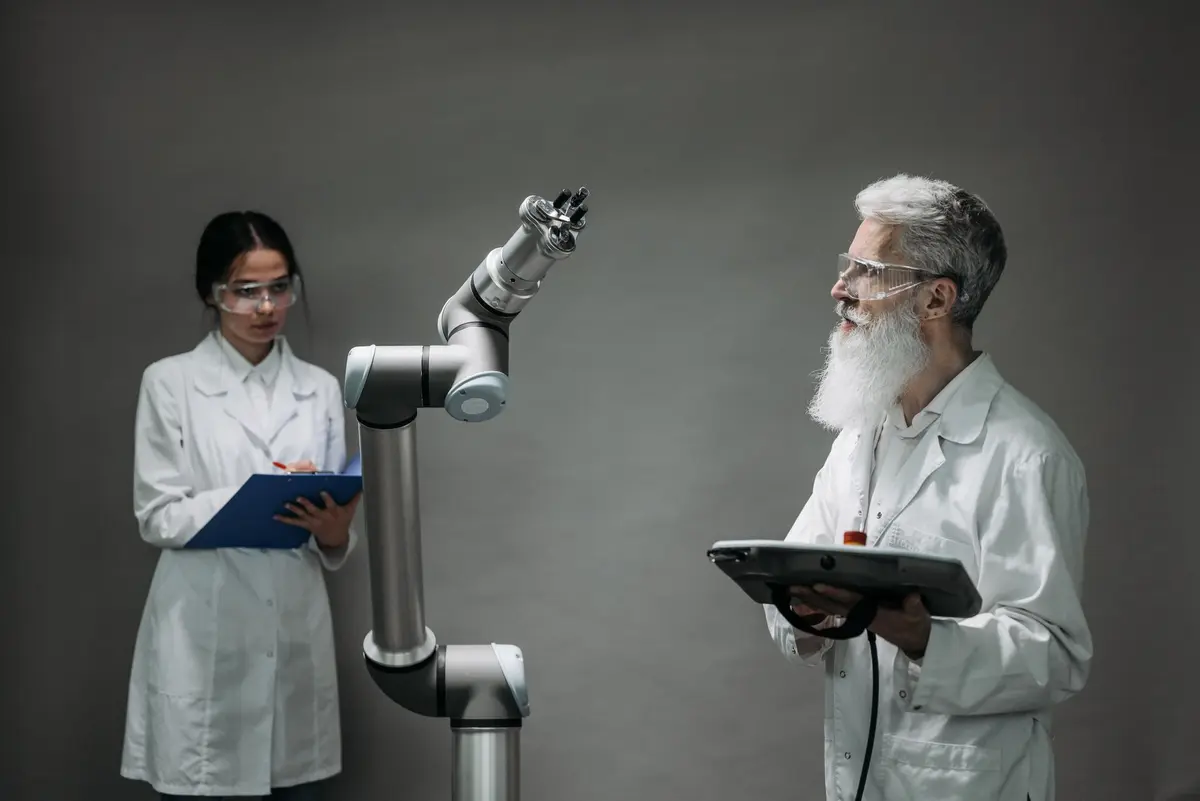
AI automation for diagnostic labs: the admin work it can handle

AI automation for diagnostic labs can take over repeatable administrative tasks: reading referral and patient documents, checking records for missing fields, answering routine test-status enquiries, sending approved updates, and checking whether reports were distributed. It works best when connected to the lab’s existing laboratory information system (LIS), customer communication channels and document store, with clear rules for when to stop and ask a person. The office team still handles unclear records, complaints, sensitive conversations and decisions requiring clinical or authorised signatory judgement. The practical benefit is less manual copying and chasing, not automated clinical interpretation or unsupervised release of results.
In short
- Automate administrative intake, routine status enquiries, follow-up and report-distribution checks, not clinical interpretation.
- Connect automation to reliable LIS status and recipient data, and route uncertainty to staff.
- Keep staff in place during testing; shift their work towards exception review only after the workflow is proven.
- Check state-specific registration rules, applicable privacy obligations and accreditation procedures before changing records workflows.
Which work AI can take over in a diagnostic lab
AI automation is most useful in the administrative chain surrounding a test. It can collect referral documents, extract routine details for checking, match incoming records to an existing patient or order, flag missing information, answer standard status questions and check whether a report was sent through the expected channel. It can also create follow-up tasks when a record is incomplete or a delivery attempt fails.
For the office team, this means fewer repetitive searches across email, WhatsApp, paper forms and the LIS, and less routine copying between systems. Staff receive exceptions in a queue with the relevant document and reason for escalation. They remain in control of patient identity conflicts, unusual requests, complaints, refunds, report corrections and all clinical interpretation. Automation should not decide that a sample is suitable, validate a result or sign a report.
This is not worthwhile for every lab. If requests are already low-volume and consistently handled in one system, the setup and oversight may outweigh the time saved. It is also a poor fit when records are mostly illegible, there is no reliable source of order status, or staff cannot review and correct errors.
The whole workflow, end to end
Consider a referral-led lab with walk-in patients, collection centres and home collection. The exact handoffs differ by lab, but the administrative chain below is common. Automation should follow the lab’s approved process rather than create a new one.
- Referral and enquiry intake. Today, front-office staff receive referrals by email, messaging apps, paper or at the counter, then identify the requested service and contact the sender if details are missing. An AI worker can sort incoming items, read routine fields, attach the source document to a draft order and flag missing referral or patient details. It should not infer a test from ambiguous clinical notes; that goes to staff.
- Patient registration and order entry. Registration staff create or locate a patient record, enter demographic and contact details, select the requested tests and check for duplicates. Automation can extract fields into a draft, compare them with existing records and point out likely duplicates or inconsistencies. A person confirms uncertain matches and any change to patient identity or test selection.
- Appointment, preparation and collection coordination. Staff explain preparation instructions, arrange appointments or home collection, and coordinate with a collection centre. An AI worker can send approved instructions and reminders, record replies, and route rescheduling requests. It should use lab-approved wording and escalate questions that require clinical advice.
- Sample and document receipt follow-up. Staff check whether required documents or collection details have arrived, and follow up when a record is incomplete. Automation can compare a checklist with the information recorded, send a standard request for missing administrative items and track responses. Sample integrity, acceptance or rejection remains a laboratory decision.
- Routine status enquiries. Patients, clinicians and referring facilities ask whether a test is received, in process or ready. Staff often look up the order and reply through the channel used. Connected to an authorised status field, an AI worker can answer permitted status questions and route cases where the system has no current status, a delay needs explanation or identity cannot be verified.
- Report completion and distribution checks. Staff coordinate administrative release steps and confirm that reports reach the intended recipient. An AI worker can check a distribution list against the order, record a delivery attempt, send an approved notification and flag failed delivery or missing recipient details. It must not approve, amend, interpret or sign a report.
- Billing and payment follow-up. Billing staff prepare invoices or receipts, reconcile payment records and follow up on unpaid accounts, including institutional or corporate accounts. Automation can match routine transactions to invoice references, prepare a draft reconciliation and send approved reminders. Disputes, credit notes, unusual payments and decisions about patient charges remain with a person.
- Daily exceptions and records. Supervisors review pending items, unresolved enquiries and incomplete files; records may also be needed for internal review or an applicable assessment. Automation can prepare a queue and log the steps it performed. A supervisor decides how exceptions are resolved and checks whether records are complete and retained under the lab’s policies.
Staff today vs with AI workers
Job titles vary across labs. These are common administrative and operational roles; not every lab has each role as a separate position. The table concerns administrative work only, not laboratory testing or clinical responsibility.
| Role | What the person does today | What the AI worker takes over | What stays with a person |
|---|---|---|---|
| Receptionist or front-office executive | Receives enquiries, registers patients and directs requests. | Routine enquiry replies, document sorting and draft field entry. | Identity conflicts, complaints, unclear requests and patient-sensitive conversations. |
| Data-entry operator or billing executive | Enters order details, prepares bills and checks payment records. | Extracting routine fields, preparing invoice drafts and matching clear payment references. | Correcting disputed records, approving adjustments and resolving mismatches. |
| Patient-care coordinator or call-centre executive | Answers status calls, gives approved instructions and follows up on missing details. | Standard status checks, approved reminders and follow-up task creation. | Unusual delays, complaints, clinical questions and cases needing judgement. |
| Collection-centre coordinator | Coordinates referrals, collection arrangements and document handoffs. | Sorting incoming documents, tracking missing administrative fields and sending standard requests. | Coordination when collection details conflict or a case needs a person-to-person decision. |
| Report-dispatch or records executive | Checks recipients, distributes reports and tracks delivery. | Recipient-list checks, dispatch logging and failed-delivery alerts. | Approving report release, correcting recipient details and handling report amendments. |
| Operations manager or lab administrator | Reviews pending work, monitors handoffs and resolves escalations. | Preparing exception queues and routine workflow summaries. | Setting rules, reviewing exceptions, managing staff and owning operational decisions. |
Highest-value automations ranked by effort and impact
Start with repetitive tasks that have clear inputs and an observable outcome. “Effort” below is relative: actual work depends on the LIS, communication channels, document quality and the lab’s existing procedures. “Impact” means the likely effect on repetitive administrative workload, not a promised financial result.
| Rank | Automation | Effort | Impact | Why it ranks here |
|---|---|---|---|---|
| 1 | Routine test-status replies | Low to medium | High | Useful when order status is reliable and answers can be limited to approved information. |
| 2 | Incomplete referral and patient-record follow-up | Low to medium | High | Turns a recurring check-and-chase task into a tracked exception queue. |
| 3 | Report distribution and failed-delivery checks | Medium | High | Creates visibility into whether the expected recipient received a report notification. |
| 4 | Referral document sorting and draft field extraction | Medium | High | Reduces manual sorting and rekeying, while keeping uncertain fields for review. |
| 5 | Patient enquiry triage | Medium | Medium to high | Routes routine administrative questions and puts exceptions in front of staff. |
| 6 | Collection appointment reminders | Low to medium | Medium | Works best when appointment data and approved instructions are maintained centrally. |
| 7 | Invoice and payment-reference matching | Medium | Medium | Can prepare clear matches for review but should not resolve disputed balances automatically. |
| 8 | Daily pending-work summary | Low | Medium | Helps supervisors see aged enquiries, incomplete records and failed dispatches in one place. |
Compliance and regulatory points in India
Check the rules applicable to the lab’s location and services before connecting systems or changing workflows. The Ministry of Health and Family Welfare says the Clinical Establishments (Registration and Regulation) Act, 2010 has been adopted in specified States and Union Territories; it is not uniform across every Indian state. Confirm local registration requirements and applicable state rules. The Ministry publishes minimum standards for medical diagnostic laboratories, including amendments to human-resource standards, so automation must not replace required qualified personnel or alter their responsibilities.
Patient and referral documents can contain personal data. The Digital Personal Data Protection Act, 2023 and the Digital Personal Data Protection Rules, 2025 have phased commencement dates. MeitY’s November 2025 notifications set different start dates for provisions, including an eighteen-month period for several substantive obligations. Confirm which provisions are in force for the specific processing date, and have appropriate legal or privacy advice review access controls, purposes, notices, retention and vendor arrangements. Do not assume that using an automation service transfers the lab’s responsibilities.
For accreditation, NABL lists medical laboratory accreditation against ISO 15189 and publishes assessment documents based on ISO 15189:2022. If the lab is accredited or seeking accreditation, review its document-control, access, audit-trail and record-retention procedures before automation changes how records are created or retrieved. Separately, CDSCO states that in-vitro diagnostic medical devices are regulated under the Medical Devices Rules, 2017. That point concerns IVD devices and related regulated activity; it does not make an administrative AI worker a clinical device by default. Keep administrative automation out of result interpretation and report sign-off.
How to transition without disrupting the lab
Keep the existing team and process in place at first. Map one workflow, such as incomplete referral follow-up, and document what counts as complete, who can access the record, what message may be sent and when a person must take over. Connect only the relevant systems and test using representative records without sending live patient messages.
Run the automation alongside staff. Compare its draft entries, routing and status responses with the team’s decisions. Record misses and incorrect matches, then adjust the rules before allowing it to perform a narrow action such as sending a pre-approved reminder. Keep exceptions visible, assign an owner and preserve a way to pause the workflow.
Only after the process is dependable should the role shift from routine handling towards reviewing exceptions and improving the workflow. This is not a reason to remove oversight: people still need to check access, investigate unusual cases and maintain current procedures. Expand one workflow at a time rather than connecting every department at once.
Common mistakes
- Automating before cleaning the process. If patient matching, order status or recipient data are inconsistent, automation can repeat those errors faster. Agree a source of truth first.
- Letting a message sound more certain than the system. An AI worker should not promise a report time or claim a report is ready unless the lab’s authorised status supports that message.
- Allowing clinical interpretation through an administrative workflow. Questions about what a result means, whether a sample is suitable or what test is needed must go to qualified staff.
- Sending reports to a guessed recipient. Failed matches, shared phone numbers and changed contact details need a human check, not a best guess.
- Ignoring privacy and access controls. Limit what the automation can read and send, log its actions, and review the applicable Indian data-protection requirements and lab policies.
- Measuring activity instead of outcomes. Track whether manual re-entry, unresolved status requests and failed delivery checks decline, while also monitoring corrections and escalations. If exception rates rise, pause and investigate.
How AiStaffo would automate this
AiStaffo designs and runs AI-driven automation for administrative work such as sorting referral documents, checking required fields, routing status enquiries and tracking report-distribution failures. The setup would connect the lab’s relevant intake channels and operational records, then run only agreed actions with exceptions sent to staff. People retain control of identity conflicts, complaints, clinical questions and report approval. Book a free automation audit
Questions people ask
Can AI automate diagnostic lab report delivery?
Can AI answer patient questions about test results?
What should an Indian diagnostic lab check before automating patient records?
Will AI automation replace diagnostic lab staff?
Book a free automation audit
Thirty minutes. We look at one process you run every week and tell you exactly what an AI worker would take off your desk, and what it would not.